Video Loading Performance: The Decisions That Matter
How embedded video affects page load, and the attributes and formats that keep it light.
 MediaScaleUp Editorial Team

At a glance
- preload the attribute controls how much video loads before play
- poster shows an image before playback starts
- Autoplay browsers require muted video for autoplay
- Streaming adaptive streaming suits long videos better than single files
Why it matters
Why it matters: Video is usually the heaviest thing on a page, and careless embedding slows everything else down.
Best practice
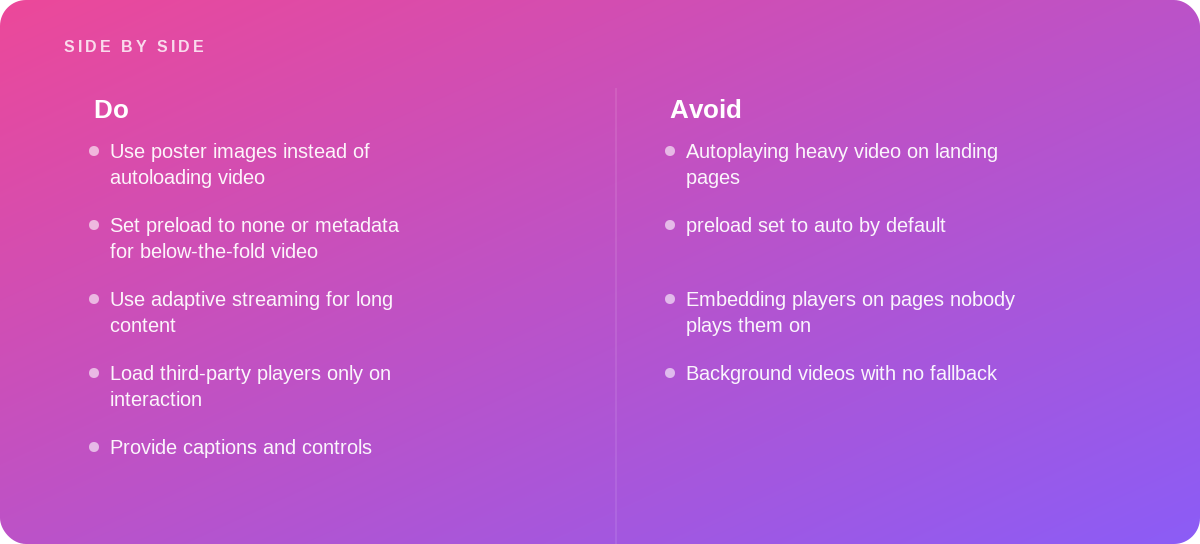
- Use poster images instead of autoloading video
- Set preload to none or metadata for below-the-fold video
- Use adaptive streaming for long content
- Load third-party players only on interaction
- Provide captions and controls
Common pitfalls
Watch out for:
- Autoplaying heavy video on landing pages
- preload set to auto by default
- Embedding players on pages nobody plays them on
- Background videos with no fallback
When to call in a specialist
Bottom line Bring in help when video-heavy pages fail performance checks.
Where this comes from
- MDN Web Docs — The Video Embed element
- web.dev — Video
The figures and practices above come from the sources listed.
Working on something like this?
We take on Performance & Accessibility work for teams who want it done once, properly. Tell us what you are building and we will tell you honestly whether we are the right studio for it. Start a project.
Where to go next
Spotted something wrong? Report an error on this page. We correct on the page and say what changed.