A Practical Guide to Fetch Priority
The fetchpriority attribute, which tells browsers which resources matter most and which can wait.
 MediaScaleUp Editorial Team

Why does it matter?
Browsers guess priorities from markup, and a wrong guess can delay the image or script that decides how fast a page feels.
What are the numbers?
- Attribute fetchpriority accepts high, low and auto
- Elements it applies to images, scripts, links and fetch requests
- LCP images marking the main image high can speed up Largest Contentful Paint
- Defaults browsers assign priorities automatically without it
What should I do?
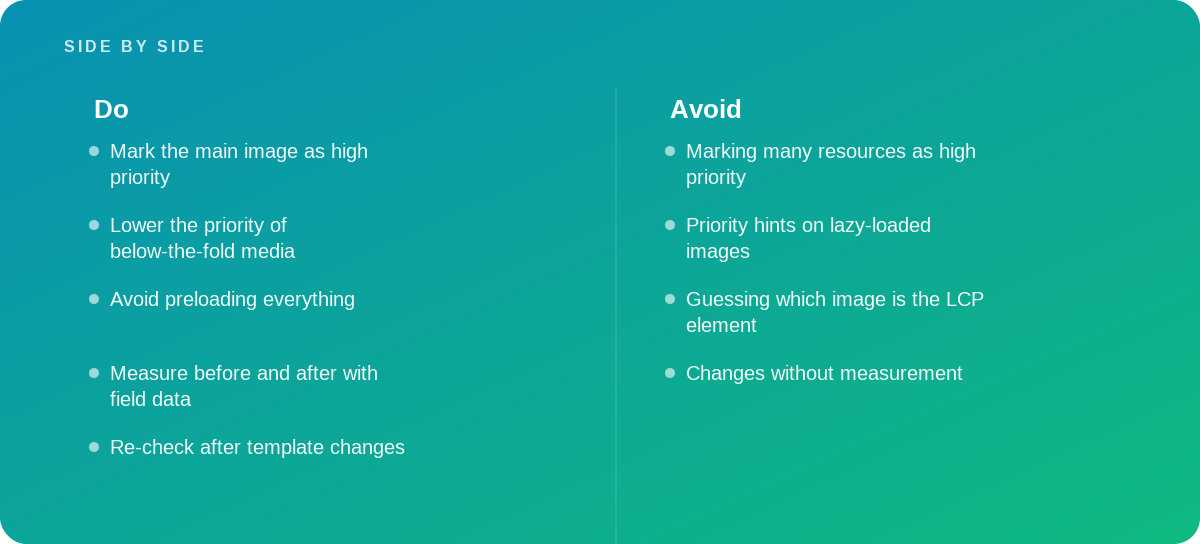
- Mark the main image as high priority
- Lower the priority of below-the-fold media
- Avoid preloading everything
- Measure before and after with field data
- Re-check after template changes
What should I avoid?
Avoid:
- Marking many resources as high priority
- Priority hints on lazy-loaded images
- Guessing which image is the LCP element
- Changes without measurement
When should I get help?
Short answer Bring in help when LCP stays slow despite optimized images.
Where this comes from
- web.dev — Fetch Priority
- MDN Web Docs — HTMLImageElement fetchPriority
The figures and practices above come from the sources listed.
Working on something like this?
We take on Performance & Accessibility work for teams who want it done once, properly. Tell us what you are building and we will tell you honestly whether we are the right studio for it. Start a project.
Where to go next
Spotted something wrong? Report an error on this page. We correct on the page and say what changed.