Preload and Preconnect: Using Resource Hints Well
Link elements that tell the browser early about resources it will need: preconnect opens a connection to another origin in advance, and preload fetches a specific file with high priority.
 MediaScaleUp Editorial Team

At a glance
- preconnect performs the DNS lookup, TCP connection and TLS negotiation ahead of time
- dns-prefetch resolves the domain name only, a lighter fallback
- preload fetches a resource for the current page and requires the as attribute
- Preloaded fonts need the crossorigin attribute or they are fetched twice
- fetchpriority raises or lowers the priority of an image, script or fetch
Why it matters
Why it matters: A critical font, image or script discovered late delays rendering, and a hint in the head lets the browser start that work before it would otherwise know the resource exists.
Best practice
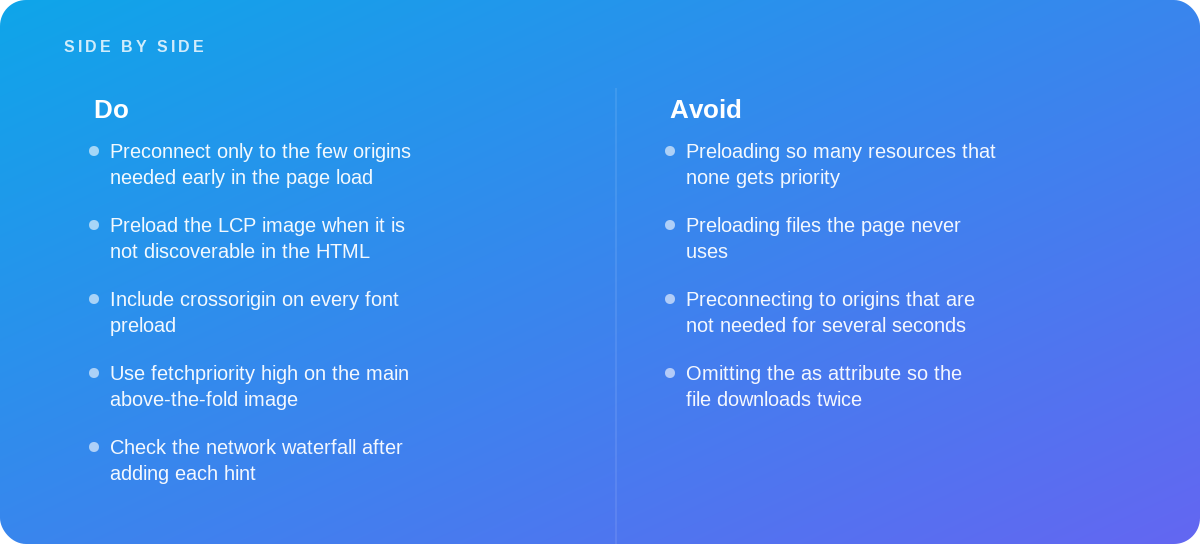
- Preconnect only to the few origins needed early in the page load
- Preload the LCP image when it is not discoverable in the HTML
- Include crossorigin on every font preload
- Use fetchpriority high on the main above-the-fold image
- Check the network waterfall after adding each hint
Common pitfalls
Watch out for:
- Preloading so many resources that none gets priority
- Preloading files the page never uses
- Preconnecting to origins that are not needed for several seconds
- Omitting the as attribute so the file downloads twice
When to call in a specialist
Bottom line Bring in help when the largest image or main font arrives late in the waterfall, or when adding hints has not changed field data.
Where this comes from
- MDN Web Docs — rel=preload
- web.dev — Establish network connections early to improve perceived page speed
- web.dev — Optimize resource loading with the Fetch Priority API
The figures and practices above come from the sources listed.
Working on something like this?
We take on Performance & Accessibility work for teams who want it done once, properly. Tell us what you are building and we will tell you honestly whether we are the right studio for it. Start a project.
Where to go next
Spotted something wrong? Report an error on this page. We correct on the page and say what changed.











