A Practical Guide to Skip Links and Landmarks
A link at the start of the page that jumps past repeated navigation to the main content, and HTML landmark regions that let assistive technology users move between the parts of a page.
 MediaScaleUp Editorial Team

Where most projects go wrong
The usual mistakes:
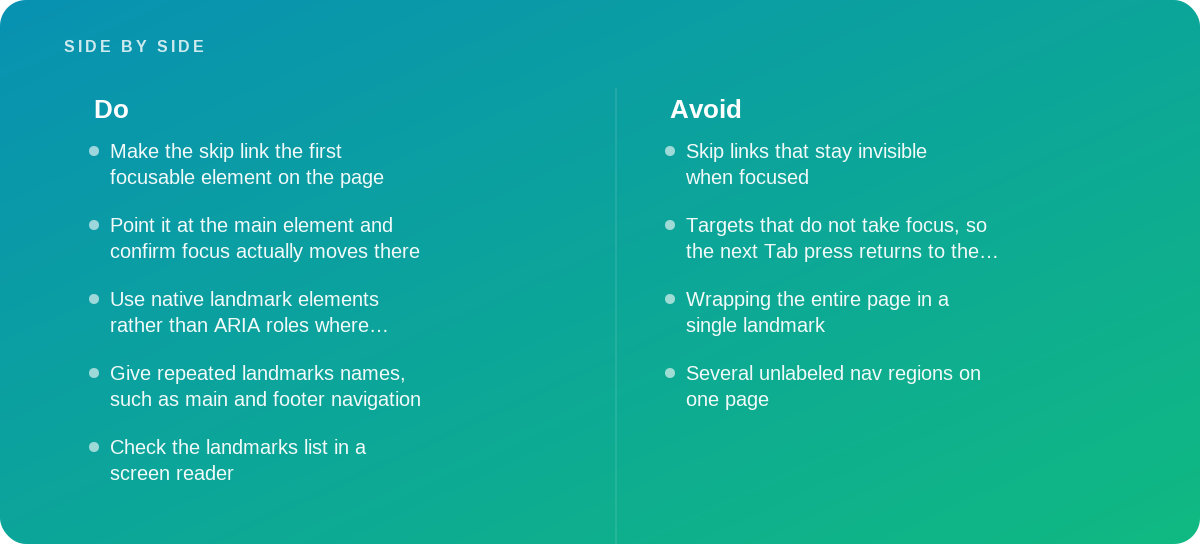
- Skip links that stay invisible when focused
- Targets that do not take focus, so the next Tab press returns to the menu
- Wrapping the entire page in a single landmark
- Several unlabeled nav regions on one page
What good looks like instead
- Make the skip link the first focusable element on the page
- Point it at the main element and confirm focus actually moves there
- Use native landmark elements rather than ARIA roles where possible
- Give repeated landmarks names, such as main and footer navigation
- Check the landmarks list in a screen reader
Why it matters
Without them, keyboard and screen reader users have to move through the whole header and menu on every page before reaching the content they came for.
The specs that matter
| Measure | Figure |
|---|---|
| WCAG 2.4.1 Bypass Blocks, A | a way to skip blocks of content repeated on multiple pages |
| Common landmark elements | header, nav, main, aside and footer |
| main element | only one visible main element per page |
| Repeated landmarks | two nav regions need distinct accessible names |
| Skip link visibility | may be hidden until focused, but must appear when it receives focus |
Knowing when to hand it over
Tip: Bring in help when a screen reader user reports difficulty moving around the site, or when templates share no consistent landmark structure.
Where this comes from
- W3C Web Accessibility Initiative — Understanding SC 2.4.1 Bypass Blocks
- W3C Web Accessibility Initiative — Page regions tutorial
- MDN Web Docs — The main element
The figures and practices above come from the sources listed.
Working on something like this?
We take on Performance & Accessibility work for teams who want it done once, properly. Tell us what you are building and we will tell you honestly whether we are the right studio for it. Start a project.
Where to go next
Spotted something wrong? Report an error on this page. We correct on the page and say what changed.











