How to Get Unused CSS and JavaScript Right
Code downloaded by a page that is never used there, commonly from frameworks, component libraries or site-wide bundles.
 MediaScaleUp Editorial Team

Where most projects go wrong
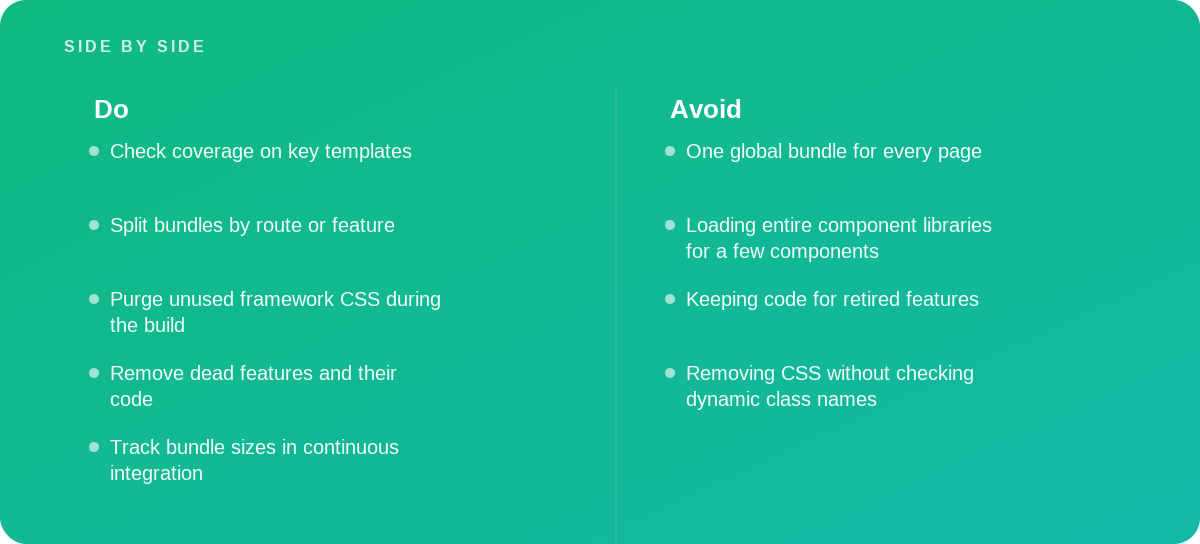
The usual mistakes:
- One global bundle for every page
- Loading entire component libraries for a few components
- Keeping code for retired features
- Removing CSS without checking dynamic class names
What good looks like instead
- Check coverage on key templates
- Split bundles by route or feature
- Purge unused framework CSS during the build
- Remove dead features and their code
- Track bundle sizes in continuous integration
Why it matters
Unused code still costs download and processing time, and it usually accumulates quietly as features are added and removed.
The specs that matter
| Measure | Figure |
|---|---|
| Coverage tab | Chrome DevTools shows the share of each file that is unused |
| Lighthouse audits | Reduce unused JavaScript and Reduce unused CSS |
| Common sources | CSS frameworks and site-wide bundles |
| Code splitting | loads code only for the pages or features that need it |
Knowing when to hand it over
Tip: Bring in help when bundles have grown over years, or when coverage shows most of the code is unused.
Where this comes from
- Chrome for Developers — Reduce unused JavaScript
- Chrome for Developers — Coverage: Find unused JavaScript and CSS
The figures and practices above come from the sources listed.
Working on something like this?
We take on Performance & Accessibility work for teams who want it done once, properly. Tell us what you are building and we will tell you honestly whether we are the right studio for it. Start a project.
Where to go next
Spotted something wrong? Report an error on this page. We correct on the page and say what changed.











