Hydration Cost and Islands, Done Properly
The work browsers do to make server-rendered HTML interactive, and architectures that reduce it.
 MediaScaleUp Editorial Team

What is at stake
Hydrating a whole page blocks the main thread, hurting responsiveness even when the page looks ready.
The playbook
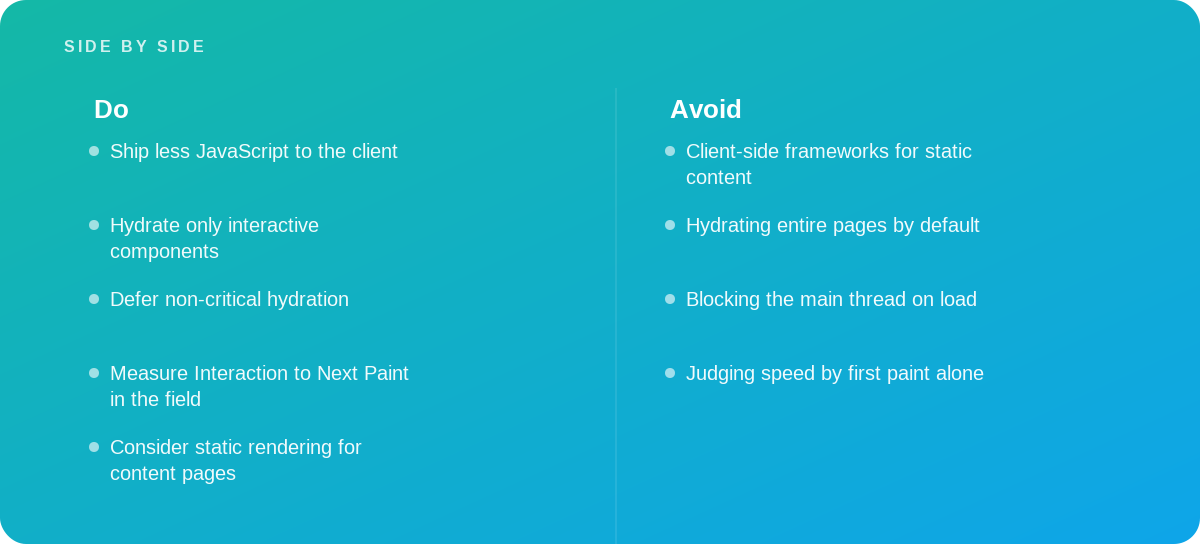
- Ship less JavaScript to the client
- Hydrate only interactive components
- Defer non-critical hydration
- Measure Interaction to Next Paint in the field
- Consider static rendering for content pages
Where it goes wrong
Avoid:
- Client-side frameworks for static content
- Hydrating entire pages by default
- Blocking the main thread on load
- Judging speed by first paint alone
The numbers behind it
| Measure | Figure |
|---|---|
| Hydration | client JavaScript attaches behavior to server-rendered markup |
| Cost | hydration work delays interactivity |
| Islands | only interactive parts are hydrated |
| Streaming | server rendering can send HTML progressively |
Getting outside help
When to hand it over: Bring in help when pages look ready but respond slowly.
Where this comes from
The figures and practices above come from the sources listed.
Working on something like this?
We take on Performance & Accessibility work for teams who want it done once, properly. Tell us what you are building and we will tell you honestly whether we are the right studio for it. Start a project.
Where to go next
Spotted something wrong? Report an error on this page. We correct on the page and say what changed.










