A Practical Guide to Scroll Performance
Keeping scrolling smooth by avoiding expensive work in scroll handlers and layout reads.
 Marcus Adeyemi

Where most projects go wrong
The usual mistakes:
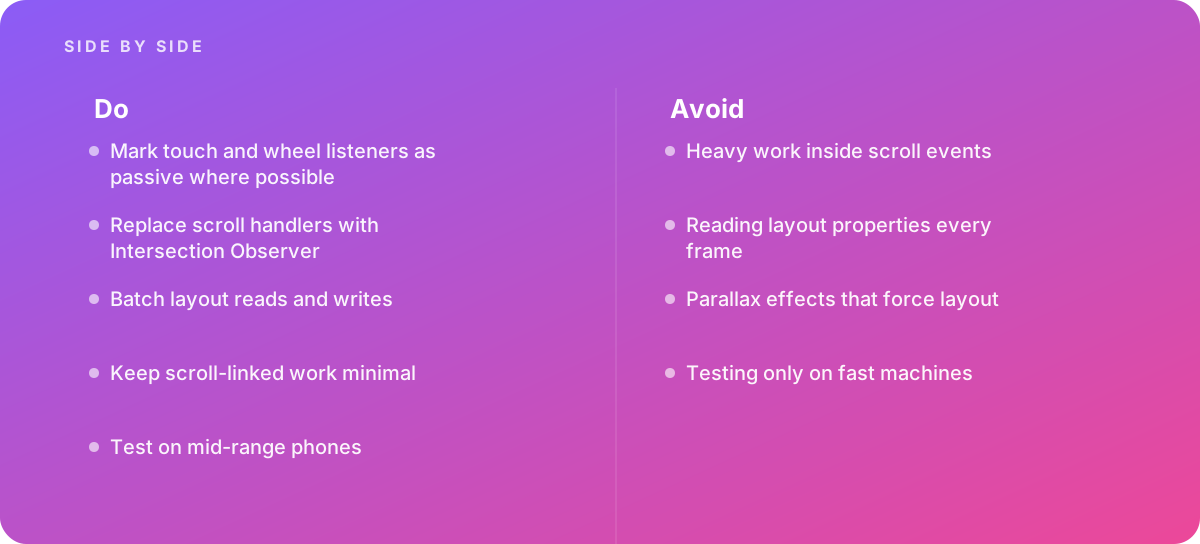
- Heavy work inside scroll events
- Reading layout properties every frame
- Parallax effects that force layout
- Testing only on fast machines
What good looks like instead
- Mark touch and wheel listeners as passive where possible
- Replace scroll handlers with Intersection Observer
- Batch layout reads and writes
- Keep scroll-linked work minimal
- Test on mid-range phones
Why it matters
Janky scrolling is one of the most noticeable performance problems, especially on mobile.
The specs that matter
| Measure | Figure |
|---|---|
| Passive listeners | let the browser scroll without waiting for handlers |
| Layout reads | measuring elements during scroll forces layout |
| Intersection Observer | reports visibility without scroll handlers |
| Scroll-driven animations | can run off the main thread |
Knowing when to hand it over
Tip: Bring in help when scrolling feels rough on mobile.
Where this comes from
- MDN Web Docs — EventTarget addEventListener
- web.dev — Rendering performance
The figures and practices above come from the sources listed.
Working on something like this?
We take on Performance & Accessibility work for teams who want it done once, properly. Tell us what you are building and we will tell you honestly whether we are the right studio for it. Start a project.
Where to go next
Spotted something wrong? Report an error on this page. We correct on the page and say what changed.