Field Debugging with the web-vitals Library: The Decisions That Matter
Collecting Core Web Vitals from real users in JavaScript, including attribution data that points at the cause.
 MediaScaleUp Editorial Team

At a glance
- Library Google publishes a web-vitals JavaScript library
- Attribution an attribution build reports the element and timing details
- Reporting measurements can be sent to any analytics endpoint
- Coverage field data reflects real devices and networks
Why it matters
Why it matters: Lab tests miss real conditions, and attribution data shows which element or script caused a poor score.
Best practice
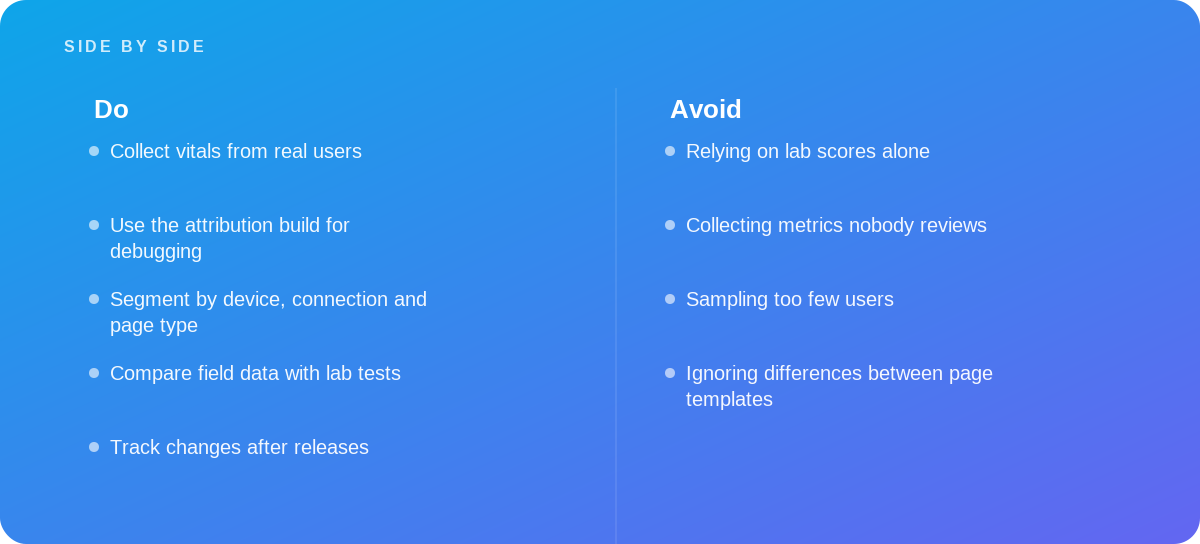
- Collect vitals from real users
- Use the attribution build for debugging
- Segment by device, connection and page type
- Compare field data with lab tests
- Track changes after releases
Common pitfalls
Watch out for:
- Relying on lab scores alone
- Collecting metrics nobody reviews
- Sampling too few users
- Ignoring differences between page templates
When to call in a specialist
Bottom line Bring in help when lab and field results disagree.
Where this comes from
- web.dev — Measure Core Web Vitals in JavaScript
- Chrome for Developers — Core Web Vitals
The figures and practices above come from the sources listed.
Working on something like this?
We take on Performance & Accessibility work for teams who want it done once, properly. Tell us what you are building and we will tell you honestly whether we are the right studio for it. Start a project.
Where to go next
Spotted something wrong? Report an error on this page. We correct on the page and say what changed.









