Compositing and GPU Layers: The Decisions That Matter
How browsers split pages into layers that the GPU can move and blend without redrawing everything.
 MediaScaleUp Editorial Team

Why does it matter?
Animating the right properties keeps motion smooth, while too many layers waste memory and can slow pages down.
What are the numbers?
- Compositor properties transform and opacity can often animate without layout or paint
- will-change hints that an element will animate
- Layer cost each layer consumes memory
- DevTools layer and rendering panels show compositing
What should I do?
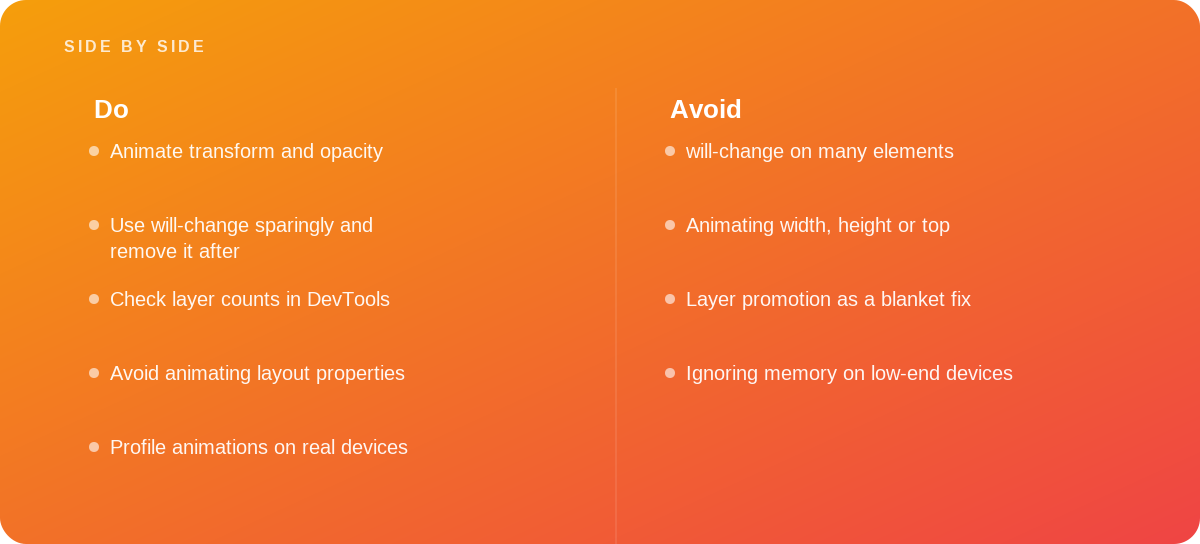
- Animate transform and opacity
- Use will-change sparingly and remove it after
- Check layer counts in DevTools
- Avoid animating layout properties
- Profile animations on real devices
What should I avoid?
Avoid:
- will-change on many elements
- Animating width, height or top
- Layer promotion as a blanket fix
- Ignoring memory on low-end devices
When should I get help?
Short answer Bring in help when animations stutter or memory use spikes.
Where this comes from
- web.dev — Rendering performance
- MDN Web Docs — will-change
The figures and practices above come from the sources listed.
Working on something like this?
We take on Performance & Accessibility work for teams who want it done once, properly. Tell us what you are building and we will tell you honestly whether we are the right studio for it. Start a project.
Where to go next
Spotted something wrong? Report an error on this page. We correct on the page and say what changed.









