Accessibility for Small Teams: The Decisions That Matter
Making meaningful accessibility progress without a dedicated specialist or large budget.
 MediaScaleUp Editorial Team

At a glance
- High-impact basics keyboard access, contrast and labels cover many issues
- Free tools browser and open-source tools find common problems
- Component focus fixing shared components fixes many pages
- Learning free guidance and training exist
Why it matters
Why it matters: Most organizations have no accessibility team, and waiting for one means nothing improves.
Best practice
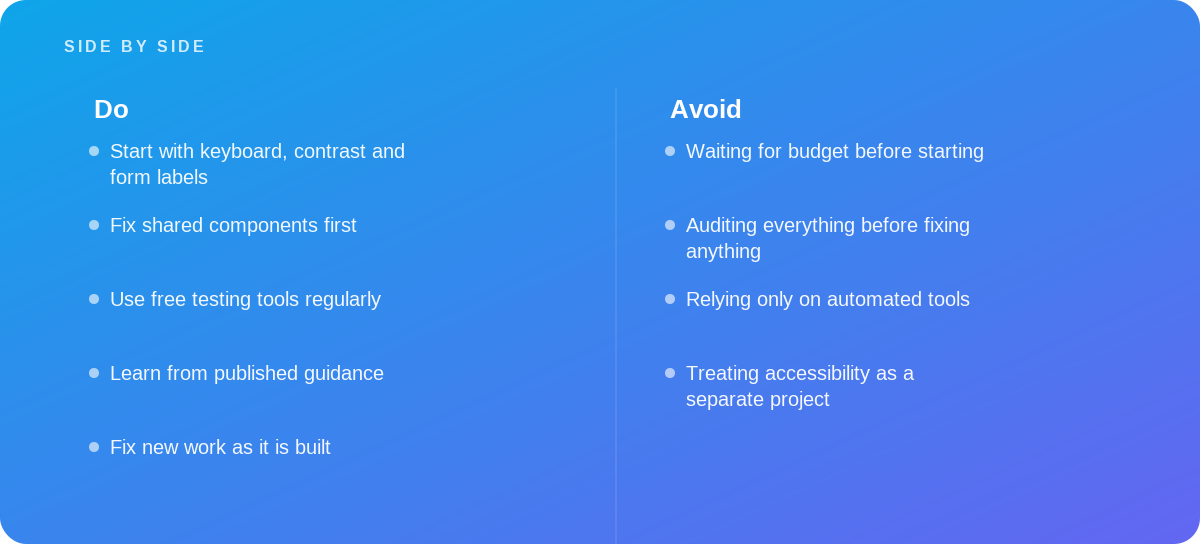
- Start with keyboard, contrast and form labels
- Fix shared components first
- Use free testing tools regularly
- Learn from published guidance
- Fix new work as it is built
Common pitfalls
Watch out for:
- Waiting for budget before starting
- Auditing everything before fixing anything
- Relying only on automated tools
- Treating accessibility as a separate project
When to call in a specialist
Bottom line Bring in help when small teams need a starting point.
Where this comes from
- W3C Web Accessibility Initiative — Easy Checks
- The A11Y Project — Checklist
The figures and practices above come from the sources listed.
Working on something like this?
We take on Performance & Accessibility work for teams who want it done once, properly. Tell us what you are building and we will tell you honestly whether we are the right studio for it. Start a project.
Where to go next
Spotted something wrong? Report an error on this page. We correct on the page and say what changed.