How to Get Largest Contentful Paint Right
The time until the largest image or text block in the viewport has rendered — a proxy for when a page looks loaded.
 MediaScaleUp Editorial Team

At a glance
- Good 2.5 seconds or less
- Needs improvement between 2.5 and 4.0 seconds
- Poor over 4.0 seconds
- Assessment point the 75th percentile of page loads
- Common causes slow server response, render-blocking resources, slow resource load, client-side rendering
- Frequent culprit the hero image
Why it matters
Why it matters: It is the Core Web Vital most often failing, and its causes are usually a small number of fixable things rather than general slowness.
Best practice
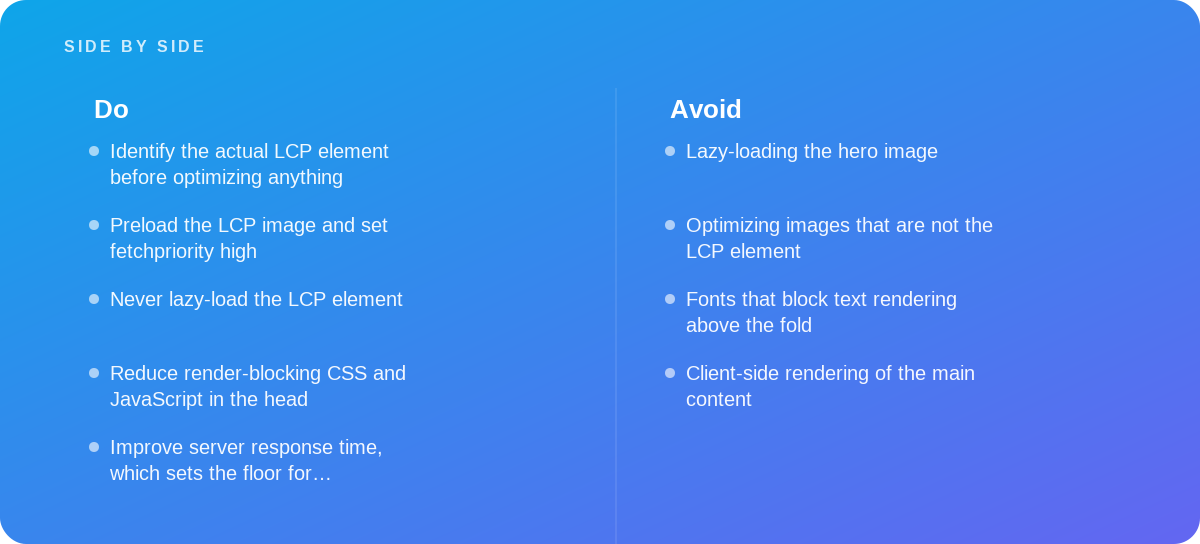
- Identify the actual LCP element before optimizing anything
- Preload the LCP image and set fetchpriority high
- Never lazy-load the LCP element
- Reduce render-blocking CSS and JavaScript in the head
- Improve server response time, which sets the floor for everything else
Common pitfalls
Watch out for:
- Lazy-loading the hero image
- Optimizing images that are not the LCP element
- Fonts that block text rendering above the fold
- Client-side rendering of the main content
When to call in a specialist
Bottom line Bring in help when LCP fails at origin level, when the LCP element varies unpredictably between visits, or when a platform limits what can be changed.
Where this comes from
- web.dev — Largest Contentful Paint
- Chrome for Developers — Performance tooling
- Google Search Central — Page experience
The figures and practices above come from the sources listed.
Working on something like this?
We take on Performance & Accessibility work for teams who want it done once, properly. Tell us what you are building and we will tell you honestly whether we are the right studio for it. Start a project.
Where to go next
Spotted something wrong? Report an error on this page. We correct on the page and say what changed.








