Content Visibility and Rendering Work: The Decisions That Matter
Using the CSS content-visibility property so the browser skips layout and painting for sections of a long page that are off screen until they are needed.
 MediaScaleUp Editorial Team

Why does it matter?
Long pages spend rendering time on content nobody has scrolled to yet, and content-visibility can reduce that work substantially with one CSS rule.
What are the numbers?
- content-visibility: auto skips rendering off-screen content until it approaches the viewport
- contain-intrinsic-size reserves estimated space so the scrollbar and layout stay stable
- Accessibility skipped content remains available to find-in-page and assistive technology
- Browser support supported in all major browsers since 2024
What should I do?
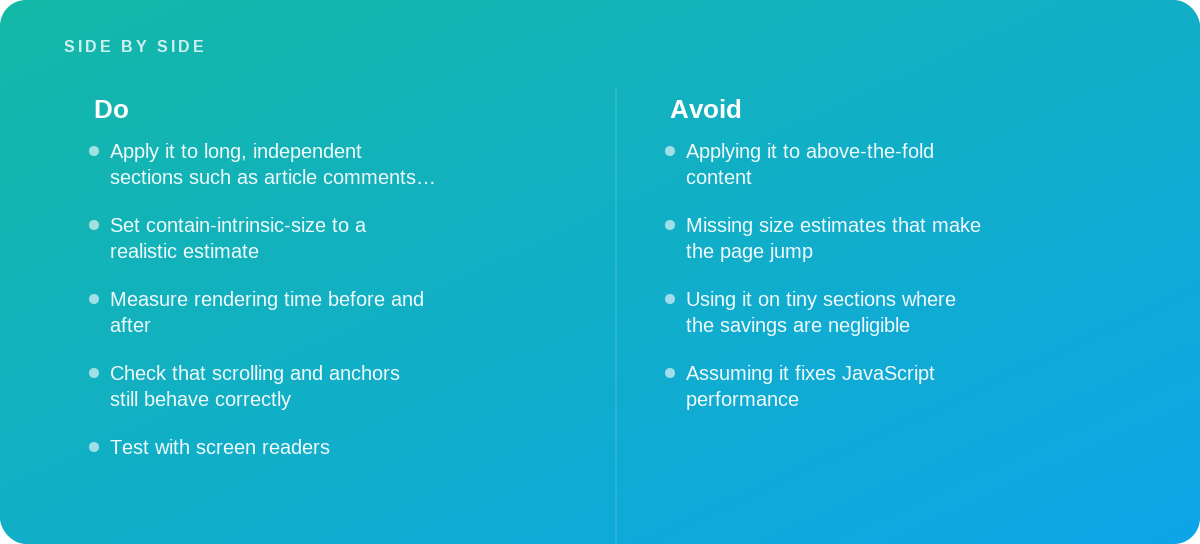
- Apply it to long, independent sections such as article comments or product lists
- Set contain-intrinsic-size to a realistic estimate
- Measure rendering time before and after
- Check that scrolling and anchors still behave correctly
- Test with screen readers
What should I avoid?
Avoid:
- Applying it to above-the-fold content
- Missing size estimates that make the page jump
- Using it on tiny sections where the savings are negligible
- Assuming it fixes JavaScript performance
When should I get help?
Short answer Bring in help when very long pages render slowly, or when rendering work dominates performance profiles.
Where this comes from
- web.dev — content-visibility: the new CSS property that boosts your rendering performance
- MDN Web Docs — content-visibility
The figures and practices above come from the sources listed.
Working on something like this?
We take on Performance & Accessibility work for teams who want it done once, properly. Tell us what you are building and we will tell you honestly whether we are the right studio for it. Start a project.
Where to go next
Spotted something wrong? Report an error on this page. We correct on the page and say what changed.









