Long Animation Frames: The Decisions That Matter
A browser API that reports rendering frames that took longer than 50 milliseconds, with details of the scripts responsible, used to diagnose slow interactions.
 MediaScaleUp Editorial Team

At a glance
- Threshold frames longer than 50 milliseconds
- Attribution script source, function name and timing for each frame
- Relationship to INP long animation frames explain delays behind slow interactions
- Availability Chromium-based browsers
Why it matters
Why it matters: It gives far better attribution than the older long tasks API, showing which scripts and functions delayed a frame, which is what teams need to fix poor INP.
Best practice
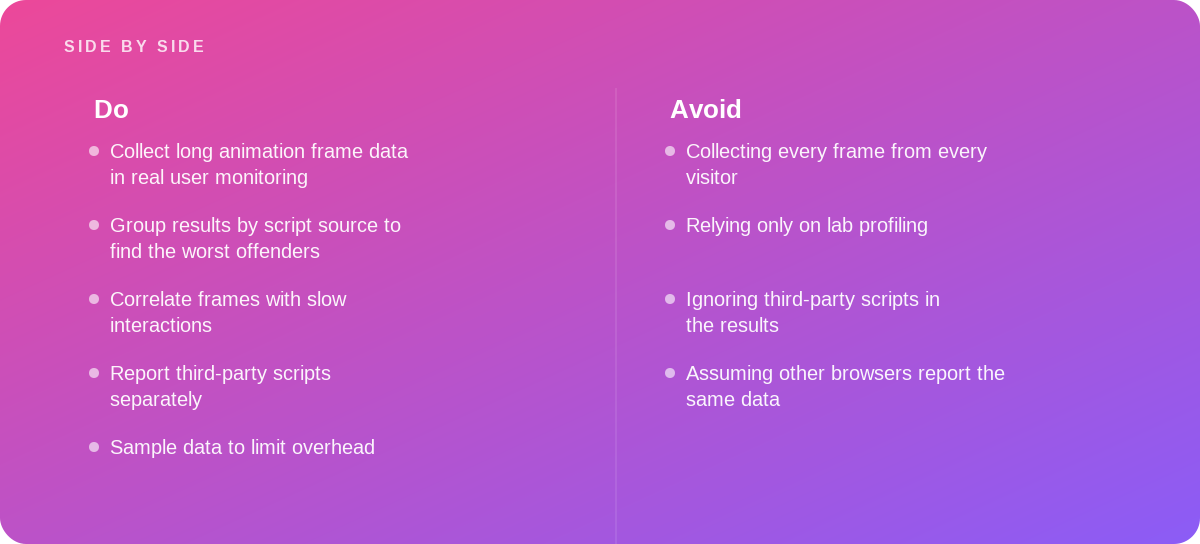
- Collect long animation frame data in real user monitoring
- Group results by script source to find the worst offenders
- Correlate frames with slow interactions
- Report third-party scripts separately
- Sample data to limit overhead
Common pitfalls
Watch out for:
- Collecting every frame from every visitor
- Relying only on lab profiling
- Ignoring third-party scripts in the results
- Assuming other browsers report the same data
When to call in a specialist
Bottom line Bring in help when INP is poor and profiling on developer machines cannot reproduce the problem.
Where this comes from
- Chrome for Developers — Long Animation Frames API
- web.dev — Interaction to Next Paint (INP)
The figures and practices above come from the sources listed.
Working on something like this?
We take on Performance & Accessibility work for teams who want it done once, properly. Tell us what you are building and we will tell you honestly whether we are the right studio for it. Start a project.
Where to go next
Spotted something wrong? Report an error on this page. We correct on the page and say what changed.










