How to Get Lazy Loading Images Right
Deferring the download of images until they are about to scroll into view, using the loading="lazy" attribute or a script.
 Marcus Adeyemi

Where most projects go wrong
The usual mistakes:
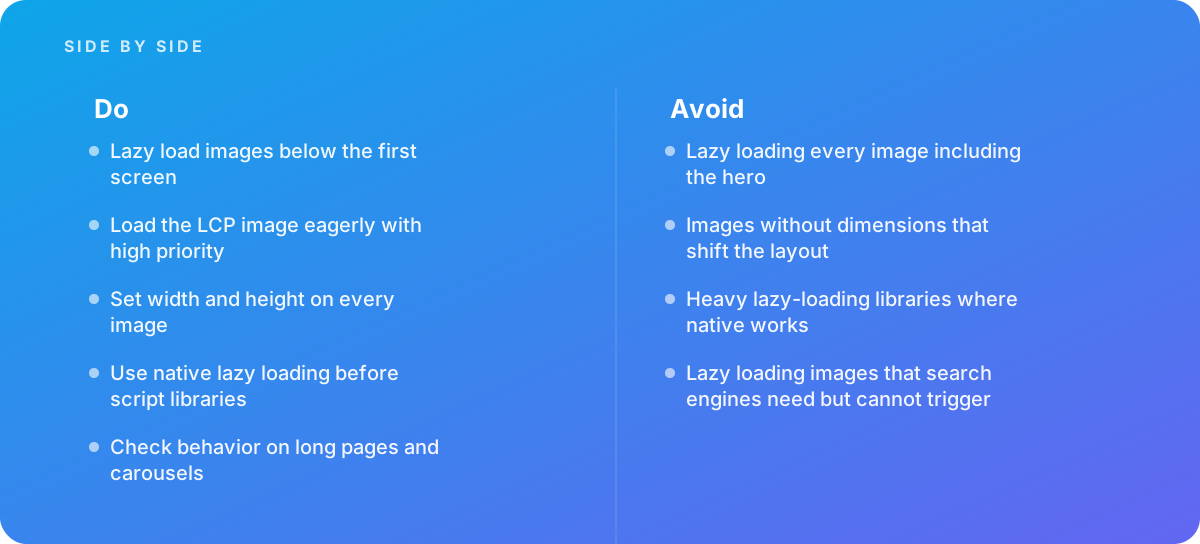
- Lazy loading every image including the hero
- Images without dimensions that shift the layout
- Heavy lazy-loading libraries where native works
- Lazy loading images that search engines need but cannot trigger
What good looks like instead
- Lazy load images below the first screen
- Load the LCP image eagerly with high priority
- Set width and height on every image
- Use native lazy loading before script libraries
- Check behavior on long pages and carousels
Why it matters
Lazy loading saves bandwidth and speeds up initial loading, but applied to the wrong image it delays the largest element and makes pages slower.
The specs that matter
| Measure | Figure |
|---|---|
| Native attribute | loading="lazy" on img and iframe elements |
| Browser support | supported in all major browsers |
| Largest Contentful Paint | the main above-the-fold image should not be lazy loaded |
| Dimensions | width and height attributes prevent layout shift as images load |
Knowing when to hand it over
Tip: Bring in help when LCP worsened after adding lazy loading, or when image-heavy pages load slowly.
Where this comes from
- web.dev — Browser-level image lazy loading for the web
- MDN Web Docs — Lazy loading
The figures and practices above come from the sources listed.
Working on something like this?
We take on Performance & Accessibility work for teams who want it done once, properly. Tell us what you are building and we will tell you honestly whether we are the right studio for it. Start a project.
Where to go next
Spotted something wrong? Report an error on this page. We correct on the page and say what changed.