A Practical Guide to Image CDNs
Services that resize, compress and convert images on request, serving each visitor an appropriately sized image in a format their browser supports.
 MediaScaleUp Editorial Team

At a glance
- Transformations resizing, cropping, compression and format conversion by URL parameters
- Format negotiation based on the browser's Accept header, such as serving AVIF or WebP
- Caching transformed images are cached at the edge
- Responsive images pair well with srcset and sizes
Why it matters
Why it matters: Image CDNs automate most image optimization, turning a manual export process into URL parameters and reducing image weight across a site.
Best practice
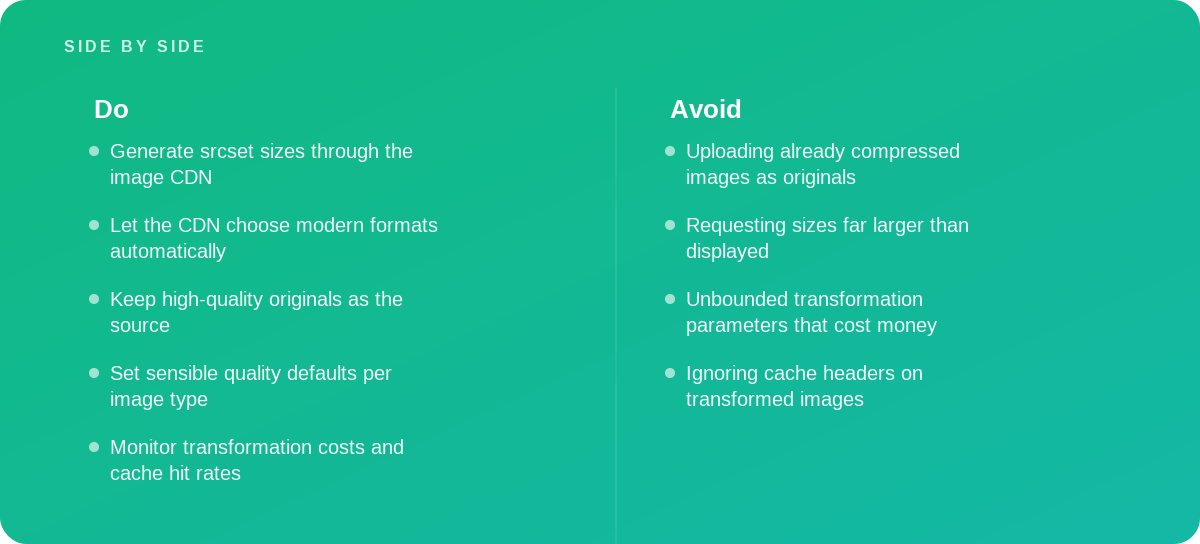
- Generate srcset sizes through the image CDN
- Let the CDN choose modern formats automatically
- Keep high-quality originals as the source
- Set sensible quality defaults per image type
- Monitor transformation costs and cache hit rates
Common pitfalls
Watch out for:
- Uploading already compressed images as originals
- Requesting sizes far larger than displayed
- Unbounded transformation parameters that cost money
- Ignoring cache headers on transformed images
When to call in a specialist
Bottom line Bring in help when images dominate page weight, or when a large media library needs consistent optimization.
Where this comes from
- web.dev — Use image CDNs to optimize images
- MDN Web Docs — Responsive images
The figures and practices above come from the sources listed.
Working on something like this?
We take on Performance & Accessibility work for teams who want it done once, properly. Tell us what you are building and we will tell you honestly whether we are the right studio for it. Start a project.
Where to go next
Spotted something wrong? Report an error on this page. We correct on the page and say what changed.