A Practical Guide to Layout Thrashing
A performance problem where JavaScript alternately changes styles and reads layout values, forcing the browser to recalculate layout many times in one frame.
 MediaScaleUp Editorial Team

Why does it matter?
Forced synchronous layouts can turn a simple animation or list update into a long task, causing jank and slow interactions.
What are the numbers?
- Forced synchronous layout reading layout properties right after changing styles
- Properties that trigger it offsetHeight, getBoundingClientRect and similar measurements
- Fix batch reads before writes
- DevTools the Performance panel flags forced reflows
What should I do?
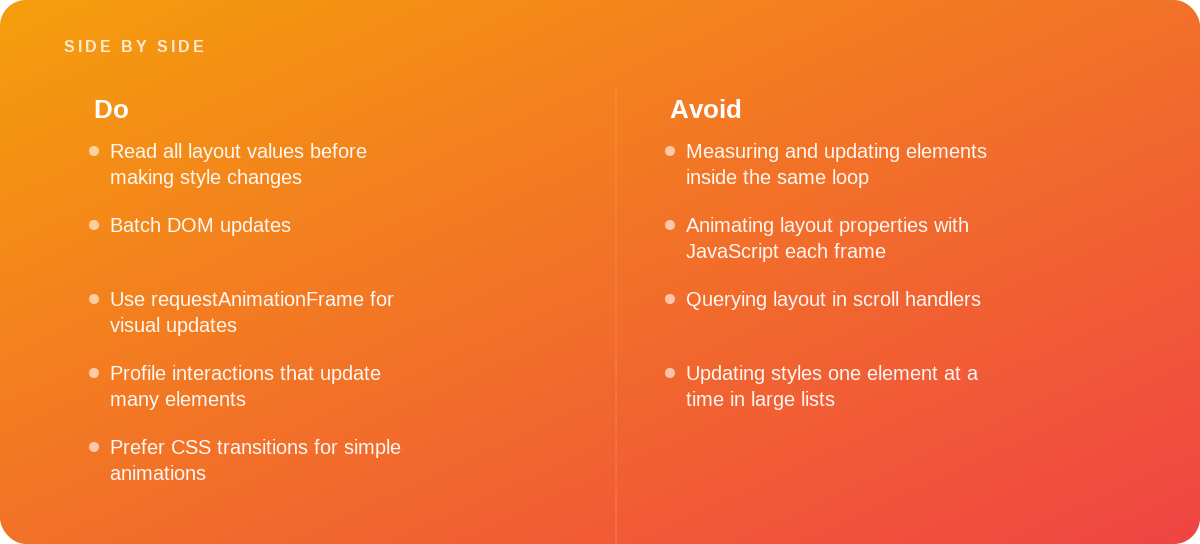
- Read all layout values before making style changes
- Batch DOM updates
- Use requestAnimationFrame for visual updates
- Profile interactions that update many elements
- Prefer CSS transitions for simple animations
What should I avoid?
Avoid:
- Measuring and updating elements inside the same loop
- Animating layout properties with JavaScript each frame
- Querying layout in scroll handlers
- Updating styles one element at a time in large lists
When should I get help?
Short answer Bring in help when profiles show repeated forced reflows, or when list or animation updates cause jank.
Where this comes from
- web.dev — Avoid large, complex layouts and layout thrashing
- Chrome for Developers — Analyze runtime performance
The figures and practices above come from the sources listed.
Working on something like this?
We take on Performance & Accessibility work for teams who want it done once, properly. Tell us what you are building and we will tell you honestly whether we are the right studio for it. Start a project.
Where to go next
Spotted something wrong? Report an error on this page. We correct on the page and say what changed.










