A Practical Guide to Soft Navigations in Single-Page Apps
Route changes in single-page applications that update the page without a full browser navigation, and the challenge of measuring their performance.
 MediaScaleUp Editorial Team

Where most projects go wrong
The usual mistakes:
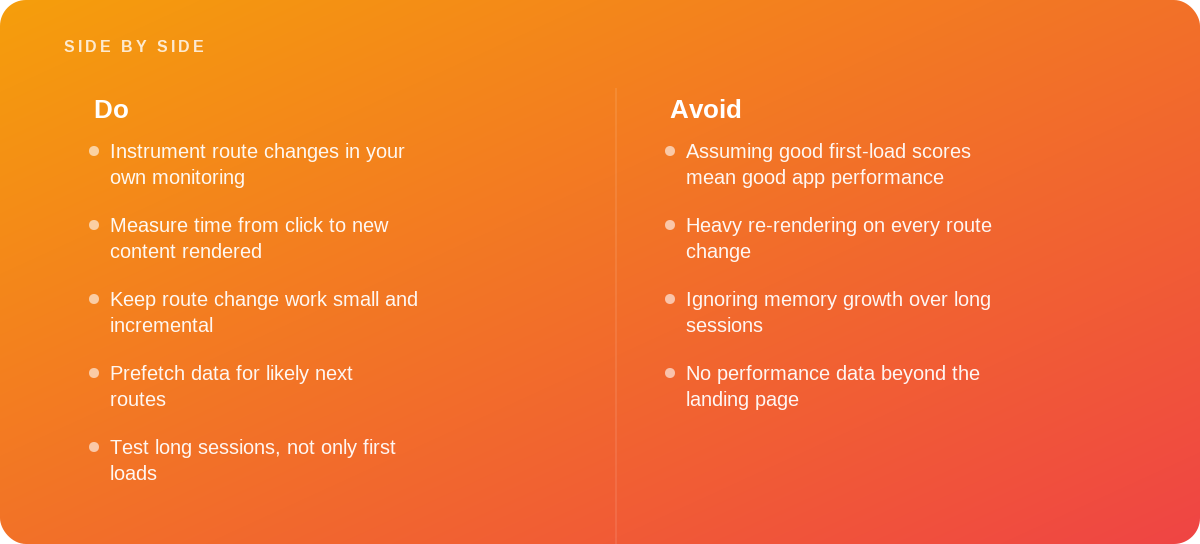
- Assuming good first-load scores mean good app performance
- Heavy re-rendering on every route change
- Ignoring memory growth over long sessions
- No performance data beyond the landing page
What good looks like instead
- Instrument route changes in your own monitoring
- Measure time from click to new content rendered
- Keep route change work small and incremental
- Prefetch data for likely next routes
- Test long sessions, not only first loads
Why it matters
Core Web Vitals have traditionally measured only full page loads, so most of the user experience in a single-page app can go unmeasured.
The specs that matter
| Measure | Figure |
|---|---|
| Soft navigation | a URL change made by JavaScript without a new document load |
| Traditional Core Web Vitals | measured per full page load |
| Chrome work | experimental APIs to measure soft navigations |
| INP | still captures interaction delays across a session |
Knowing when to hand it over
Tip: Bring in help when a single-page app feels slow after the first load, or when you need to measure performance across user sessions.
Where this comes from
- Chrome for Developers — Experimenting with measuring soft navigations
- web.dev — Interaction to Next Paint (INP)
The figures and practices above come from the sources listed.
Working on something like this?
We take on Performance & Accessibility work for teams who want it done once, properly. Tell us what you are building and we will tell you honestly whether we are the right studio for it. Start a project.
Where to go next
Spotted something wrong? Report an error on this page. We correct on the page and say what changed.









