Info and Relationships in Markup: The Decisions That Matter
Making the structure people see on screen, such as headings, lists, tables, form labels and groupings, available in the code so assistive technology can convey it.
 MediaScaleUp Editorial Team

At a glance
- WCAG 1.3.1 Info and Relationships, A information and relationships conveyed visually are available programmatically
- Common techniques real heading elements, list elements, table headers, fieldset and legend, label elements
- Common failure bold text styled to look like a heading without heading markup
- Tables data tables need header cells associated with their data
Why it matters
Why it matters: Visual structure made only with styling is invisible to screen readers, and WCAG treats this as a level A failure because it breaks understanding of the whole page.
Best practice
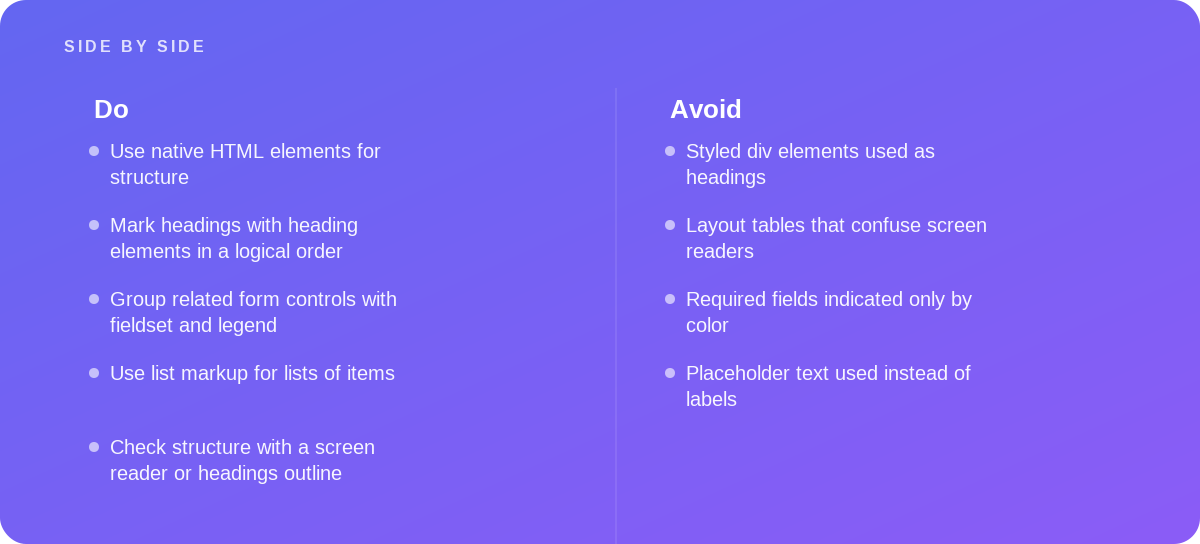
- Use native HTML elements for structure
- Mark headings with heading elements in a logical order
- Group related form controls with fieldset and legend
- Use list markup for lists of items
- Check structure with a screen reader or headings outline
Common pitfalls
Watch out for:
- Styled div elements used as headings
- Layout tables that confuse screen readers
- Required fields indicated only by color
- Placeholder text used instead of labels
When to call in a specialist
Bottom line Bring in help when an audit finds structural failures across templates, or when a design system's components need semantic review.
Where this comes from
- W3C Web Accessibility Initiative — Understanding SC 1.3.1 Info and Relationships
- MDN Web Docs — HTML: A good basis for accessibility
The figures and practices above come from the sources listed.
Working on something like this?
We take on Performance & Accessibility work for teams who want it done once, properly. Tell us what you are building and we will tell you honestly whether we are the right studio for it. Start a project.
Where to go next
Spotted something wrong? Report an error on this page. We correct on the page and say what changed.









