Abbreviations and Jargon in Markup: What Actually Works
Marking up abbreviations and explaining specialist terms so readers and assistive technology can understand them.
 MediaScaleUp Editorial Team

What is at stake
Unexplained abbreviations exclude readers and are read out letter by letter or mispronounced by screen readers.
The playbook
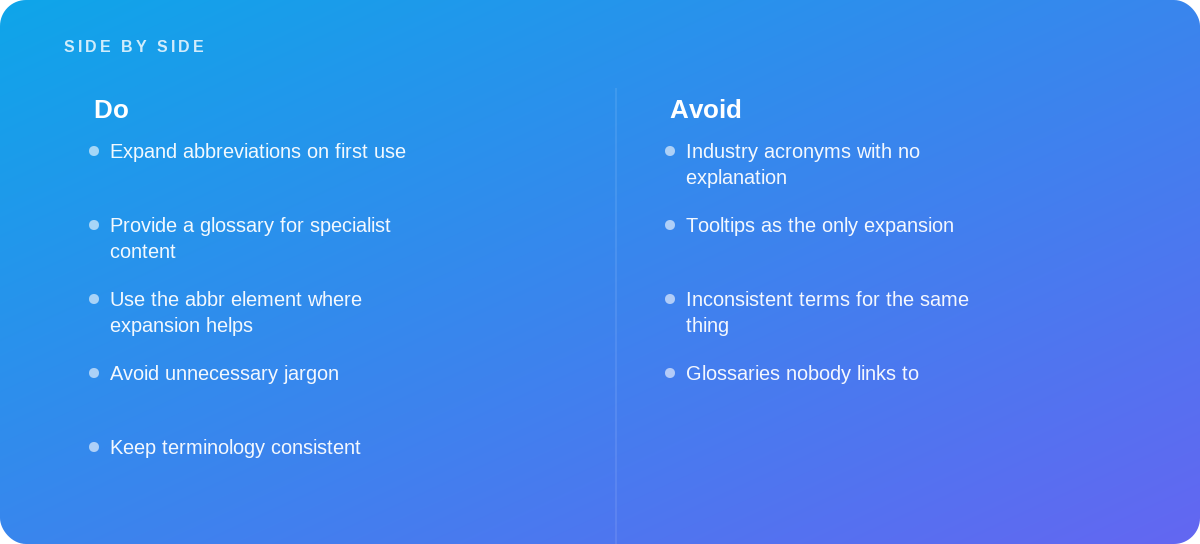
- Expand abbreviations on first use
- Provide a glossary for specialist content
- Use the abbr element where expansion helps
- Avoid unnecessary jargon
- Keep terminology consistent
Where it goes wrong
Avoid:
- Industry acronyms with no explanation
- Tooltips as the only expansion
- Inconsistent terms for the same thing
- Glossaries nobody links to
The numbers behind it
| Measure | Figure |
|---|---|
| abbr element | can provide an expansion for an abbreviation |
| First use | expanding on first use helps every reader |
| WCAG | criteria cover abbreviations and unusual words at Level AAA |
| Glossaries | provide a reference for specialist terms |
Getting outside help
When to hand it over: Bring in help when technical content serves general audiences.
Where this comes from
- W3C Web Accessibility Initiative — Understanding SC 3.1.4 Abbreviations
- MDN Web Docs — The Abbreviation element
The figures and practices above come from the sources listed.
Working on something like this?
We take on Performance & Accessibility work for teams who want it done once, properly. Tell us what you are building and we will tell you honestly whether we are the right studio for it. Start a project.
Where to go next
Spotted something wrong? Report an error on this page. We correct on the page and say what changed.










