A Practical Guide to Cognitive Accessibility
Designing for people with cognitive differences, memory difficulties, attention differences or low literacy.
 MediaScaleUp Editorial Team

At a glance
- Plain language benefits all readers, not only those it is aimed at
- Consistency predictable navigation and layout reduce cognitive load
- Timeouts must be adjustable or removable under WCAG
- Error prevention preferred over error correction
- Memory load do not require information to be carried between steps
Why it matters
Why it matters: It is the least addressed area of accessibility and the one that affects the largest number of people, including everyone under stress or time pressure.
Best practice
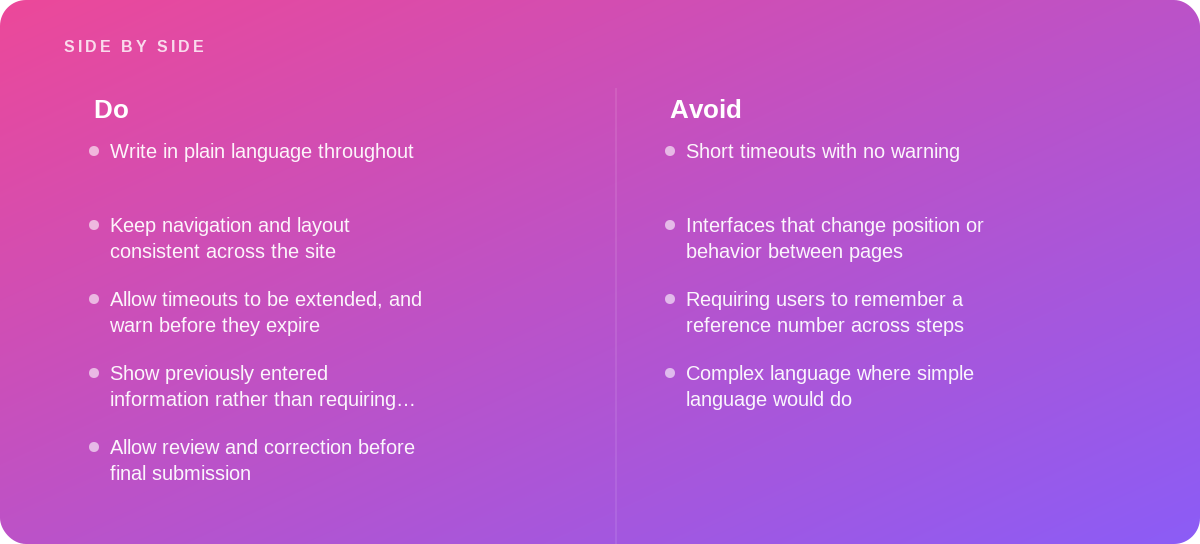
- Write in plain language throughout
- Keep navigation and layout consistent across the site
- Allow timeouts to be extended, and warn before they expire
- Show previously entered information rather than requiring recall
- Allow review and correction before final submission
Common pitfalls
Watch out for:
- Short timeouts with no warning
- Interfaces that change position or behavior between pages
- Requiring users to remember a reference number across steps
- Complex language where simple language would do
When to call in a specialist
Bottom line Bring in help when a service serves a vulnerable audience, when task completion rates are low without a visible cause, or when conformance must address cognitive criteria.
Where this comes from
- W3C Web Accessibility Initiative — Cognitive accessibility
- GOV.UK Service Manual — Accessible and inclusive services
- Nielsen Norman Group — Readability research
The figures and practices above come from the sources listed.
Working on something like this?
We take on Performance & Accessibility work for teams who want it done once, properly. Tell us what you are building and we will tell you honestly whether we are the right studio for it. Start a project.
Where to go next
Spotted something wrong? Report an error on this page. We correct on the page and say what changed.