Keyboard Accessibility, Done Properly
Making every function of a site operable with a keyboard alone, in a logical order, with visible focus.
 MediaScaleUp Editorial Team

Why does it matter?
It is the fastest accessibility test available, it needs no special software, and it finds structural problems that automated tools miss entirely.
What are the numbers?
- Requirement all functionality available from a keyboard, under WCAG Level A
- Focus visibility a visible focus indicator is required
- Focus order must follow a meaningful sequence
- Keyboard traps focus must never become stuck
- Skip links allow bypassing repeated navigation
What should I do?
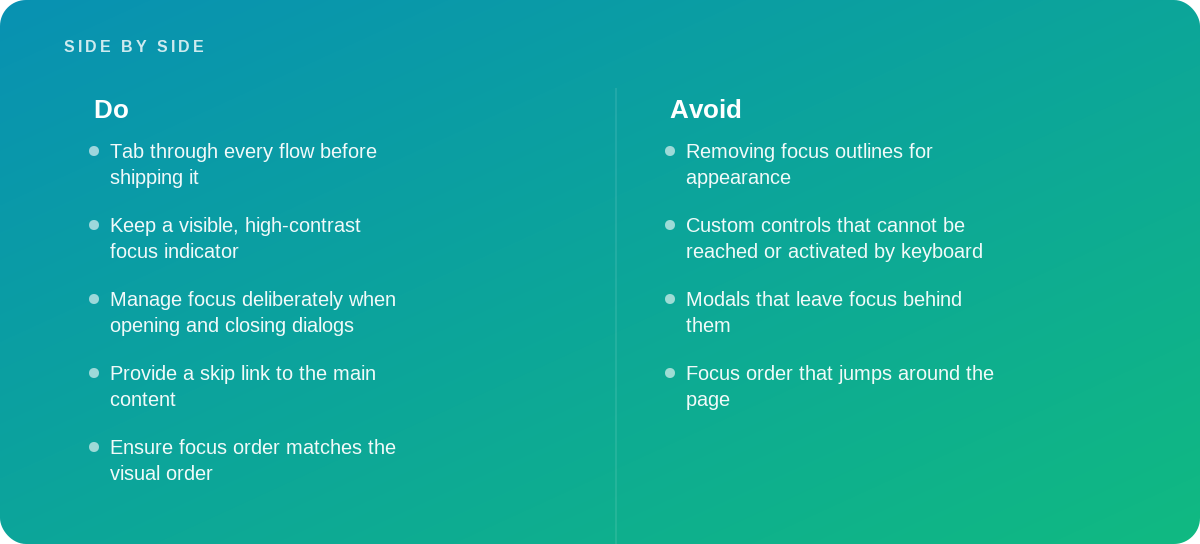
- Tab through every flow before shipping it
- Keep a visible, high-contrast focus indicator
- Manage focus deliberately when opening and closing dialogs
- Provide a skip link to the main content
- Ensure focus order matches the visual order
What should I avoid?
Avoid:
- Removing focus outlines for appearance
- Custom controls that cannot be reached or activated by keyboard
- Modals that leave focus behind them
- Focus order that jumps around the page
When should I get help?
Short answer Bring in help when custom components are not keyboard operable, when focus management in complex interfaces is failing, or when an audit has flagged keyboard issues broadly.
Where this comes from
- W3C Web Accessibility Initiative — Keyboard accessibility
- Deque University — Keyboard testing
- MDN Web Docs — Focus management
The figures and practices above come from the sources listed.
Working on something like this?
We take on Performance & Accessibility work for teams who want it done once, properly. Tell us what you are building and we will tell you honestly whether we are the right studio for it. Start a project.
Where to go next
Spotted something wrong? Report an error on this page. We correct on the page and say what changed.









