How to Get Performance Budgets Right
Agreed limits on page weight, request count or timing metrics, enforced automatically so they cannot be quietly exceeded.
 MediaScaleUp Editorial Team

What is at stake
Performance degrades by accumulation rather than by one decision, and a budget is the only mechanism that catches accumulation.
The playbook
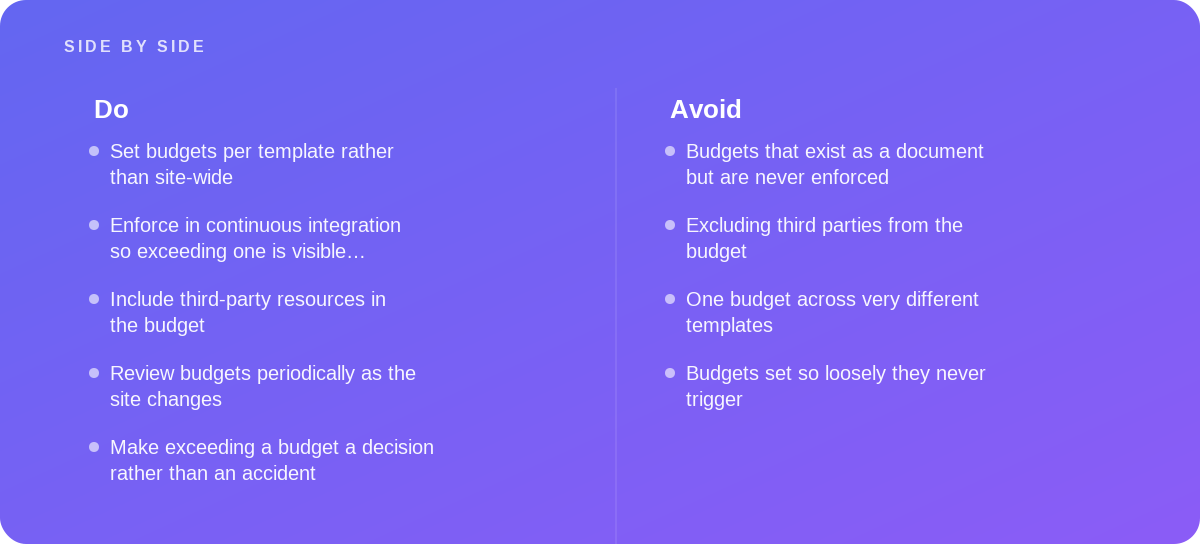
- Set budgets per template rather than site-wide
- Enforce in continuous integration so exceeding one is visible immediately
- Include third-party resources in the budget
- Review budgets periodically as the site changes
- Make exceeding a budget a decision rather than an accident
Where it goes wrong
Avoid:
- Budgets that exist as a document but are never enforced
- Excluding third parties from the budget
- One budget across very different templates
- Budgets set so loosely they never trigger
The numbers behind it
| Measure | Figure |
|---|---|
| Budget types | resource size, request count, or timing metrics |
| Enforcement | in continuous integration, failing the build |
| Baseline | set from current performance and target |
| Segmentation | budgets differ per template |
| Third parties | must be inside the budget, not excluded from it |
Getting outside help
When to hand it over: Bring in help when performance regresses repeatedly, when a team needs budgets defining, or when third-party additions are outside anyone's control.
Where this comes from
- web.dev — Performance budgets
- Chrome for Developers — Lighthouse CI
- HTTP Archive Web Almanac — Page weight
The figures and practices above come from the sources listed.
Working on something like this?
We take on Performance & Accessibility work for teams who want it done once, properly. Tell us what you are building and we will tell you honestly whether we are the right studio for it. Start a project.
Where to go next
Spotted something wrong? Report an error on this page. We correct on the page and say what changed.