How to Get Screen Reader Compatibility Right
Making sure content is announced usefully by the software that reads a page aloud.
 MediaScaleUp Editorial Team

At a glance
- Common combinations each screen reader behaves differently with each browser
- Semantics the element determines what is announced
- Accessible name what a control is announced as
- Live regions announce dynamic changes
- Testing at least one screen reader and browser pair, ideally more
Why it matters
Why it matters: A page can be visually perfect and structurally meaningless, and only testing with a screen reader reveals the difference.
Best practice
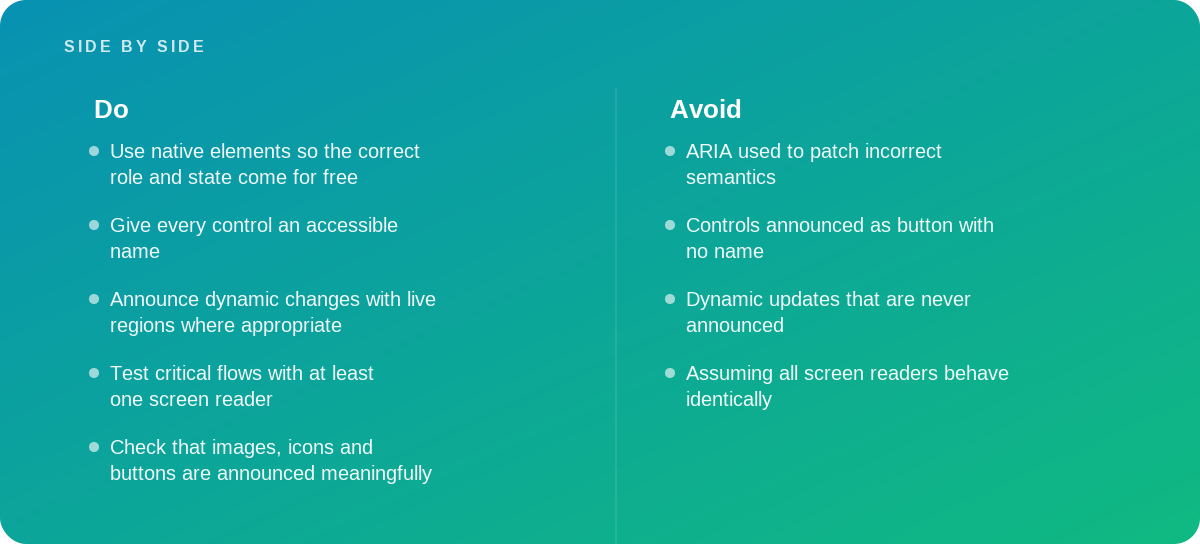
- Use native elements so the correct role and state come for free
- Give every control an accessible name
- Announce dynamic changes with live regions where appropriate
- Test critical flows with at least one screen reader
- Check that images, icons and buttons are announced meaningfully
Common pitfalls
Watch out for:
- ARIA used to patch incorrect semantics
- Controls announced as button with no name
- Dynamic updates that are never announced
- Assuming all screen readers behave identically
When to call in a specialist
Bottom line Bring in help when custom components must be made accessible, when testing across screen readers gives inconsistent results, or when conformance must be demonstrated.
Where this comes from
- W3C Web Accessibility Initiative — ARIA Authoring Practices
- Deque University — Screen reader testing
- MDN Web Docs — ARIA
The figures and practices above come from the sources listed.
Working on something like this?
We take on Performance & Accessibility work for teams who want it done once, properly. Tell us what you are building and we will tell you honestly whether we are the right studio for it. Start a project.
Where to go next
Spotted something wrong? Report an error on this page. We correct on the page and say what changed.






