How to Get Membership Site Architecture Right
Sites where content and features are restricted to members, such as associations and professional bodies.
 MediaScaleUp Editorial Team

Where most projects go wrong
The usual mistakes:
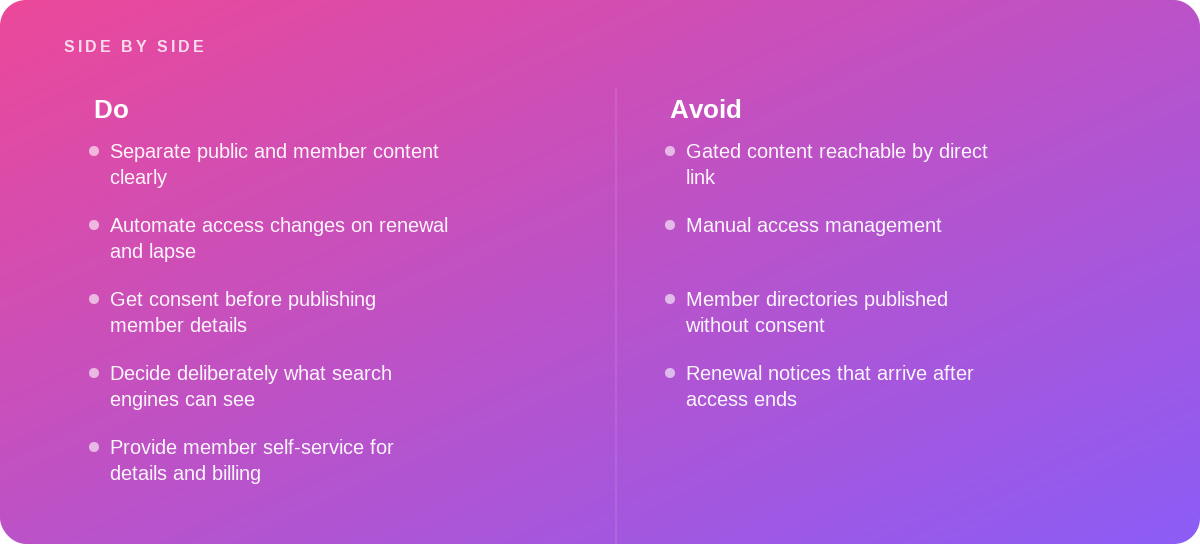
- Gated content reachable by direct link
- Manual access management
- Member directories published without consent
- Renewal notices that arrive after access ends
What good looks like instead
- Separate public and member content clearly
- Automate access changes on renewal and lapse
- Get consent before publishing member details
- Decide deliberately what search engines can see
- Provide member self-service for details and billing
Why it matters
Membership sites mix public marketing with gated content, renewals and directories, and each part has different rules.
The specs that matter
| Measure | Figure |
|---|---|
| Access control | gated content must be genuinely protected |
| Renewals | memberships lapse and access must follow |
| Directories | member data needs consent and privacy controls |
| Search | gated content is not indexed unless deliberately exposed |
Knowing when to hand it over
Tip: Bring in help when associations move members online.
Where this comes from
- OWASP — Access Control Cheat Sheet
- Google Search Central — Paywalled content
The figures and practices above come from the sources listed.
Working on something like this?
We take on Web Design & Development work for teams who want it done once, properly. Tell us what you are building and we will tell you honestly whether we are the right studio for it. Start a project.
Where to go next
Spotted something wrong? Report an error on this page. We correct on the page and say what changed.





