How to Get Managing Supplier Data Feeds Right
Importing product data from suppliers and distributors into a store catalog.
 MediaScaleUp Editorial Team

At a glance
- Formats suppliers send spreadsheets, feeds and APIs
- Quality descriptions and attributes vary widely
- Frequency prices and stock change on supplier schedules
- Duplication the same product may arrive from several suppliers
Why it matters
Why it matters: Supplier data is inconsistent, incomplete and formatted for their systems, not yours.
Best practice
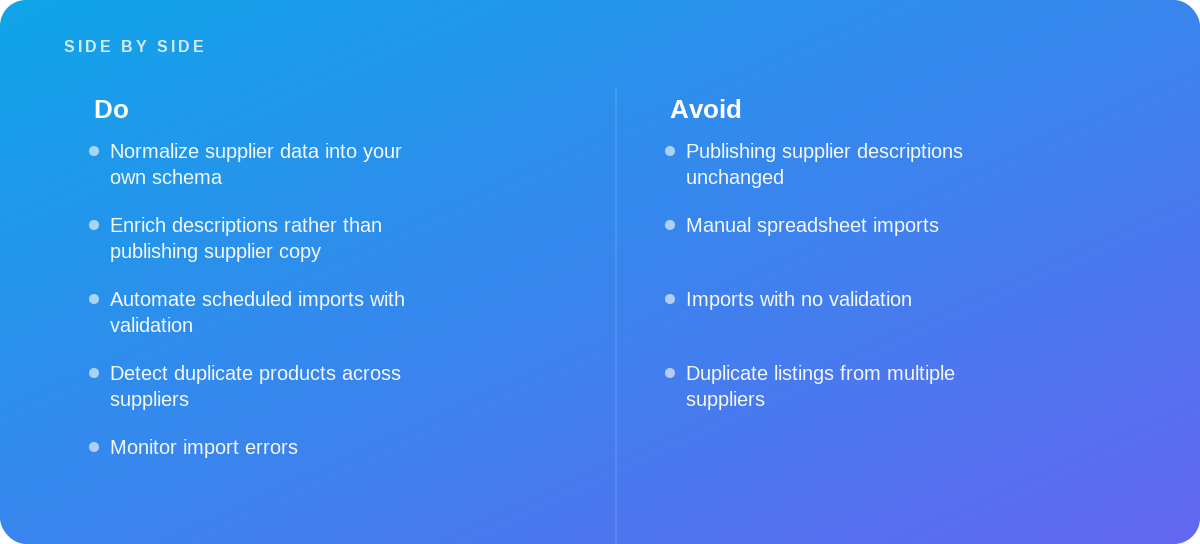
- Normalize supplier data into your own schema
- Enrich descriptions rather than publishing supplier copy
- Automate scheduled imports with validation
- Detect duplicate products across suppliers
- Monitor import errors
Common pitfalls
Watch out for:
- Publishing supplier descriptions unchanged
- Manual spreadsheet imports
- Imports with no validation
- Duplicate listings from multiple suppliers
When to call in a specialist
Bottom line Bring in help when catalogs depend on supplier feeds.
Where this comes from
- Google Merchant Center Help — Product data specification
- Google Search Central — Creating helpful, reliable, people-first content
The figures and practices above come from the sources listed.
Working on something like this?
We take on E-commerce Development work for teams who want it done once, properly. Tell us what you are building and we will tell you honestly whether we are the right studio for it. Start a project.
Where to go next
Spotted something wrong? Report an error on this page. We correct on the page and say what changed.