How to Get Product Data Migration Right
Moving catalog data such as products, variants, images and categories between systems.
 MediaScaleUp Editorial Team

At a glance
- Variants variant structures differ between platforms
- Images image references and ordering must survive
- Categories taxonomy rarely maps one to one
- URLs product URLs need redirects after migration
Why it matters
Why it matters: Product data is messier than it looks, and migrations expose years of inconsistent entry.
Best practice
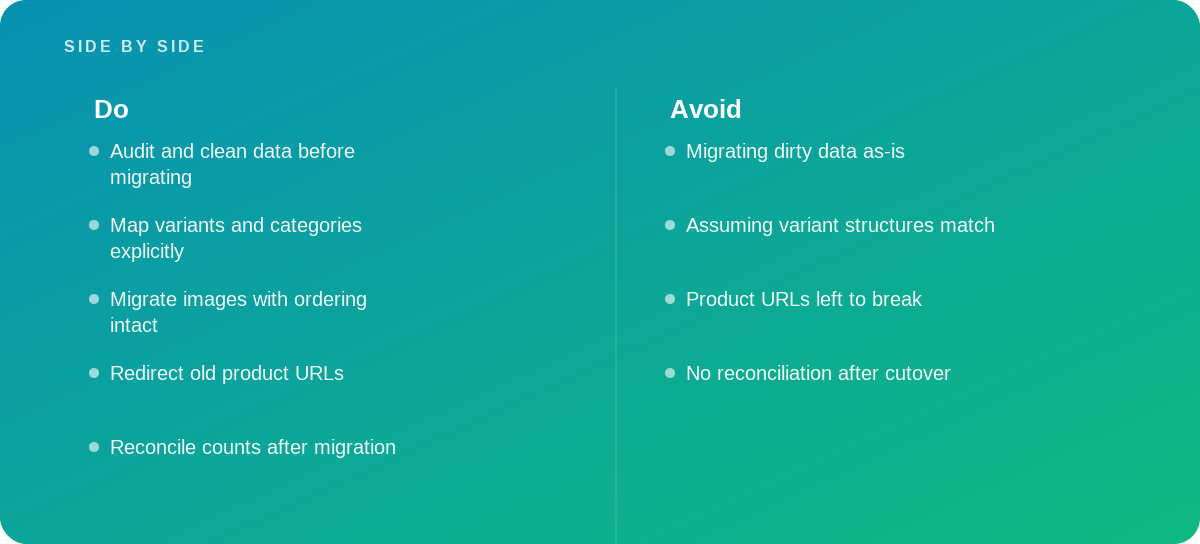
- Audit and clean data before migrating
- Map variants and categories explicitly
- Migrate images with ordering intact
- Redirect old product URLs
- Reconcile counts after migration
Common pitfalls
Watch out for:
- Migrating dirty data as-is
- Assuming variant structures match
- Product URLs left to break
- No reconciliation after cutover
When to call in a specialist
Bottom line Bring in help before replatforming a catalog.
Where this comes from
- Shopify Help Center — Migrating to Shopify
- Google Search Central — Site moves with URL changes
The figures and practices above come from the sources listed.
Working on something like this?
We take on E-commerce Development work for teams who want it done once, properly. Tell us what you are building and we will tell you honestly whether we are the right studio for it. Start a project.
Where to go next
Spotted something wrong? Report an error on this page. We correct on the page and say what changed.