How to Get Managing Price Changes Right
Updating prices across a store, feeds, marketplaces and marketing without confusing customers.
 Marcus Adeyemi

Why does it matter?
Price changes that appear inconsistently across channels cause complaints, disputes and feed disapprovals.
What are the numbers?
- Feeds shopping feeds must match landing page prices
- Caching cached pages can show old prices
- Carts existing carts may hold old prices
- Communication advance notice reduces complaints on subscriptions
What should I do?
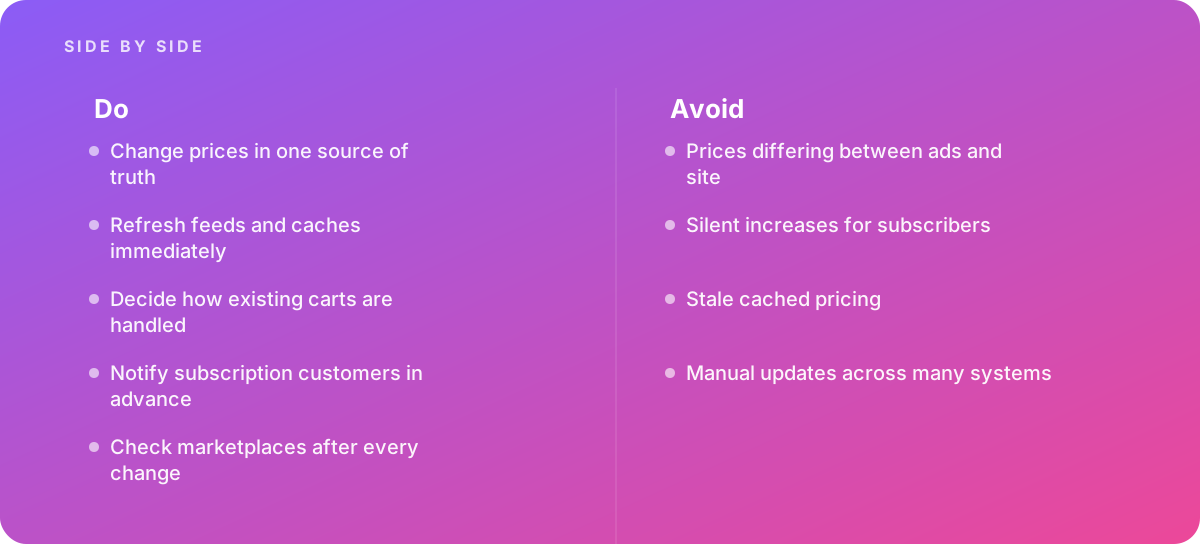
- Change prices in one source of truth
- Refresh feeds and caches immediately
- Decide how existing carts are handled
- Notify subscription customers in advance
- Check marketplaces after every change
What should I avoid?
Avoid:
- Prices differing between ads and site
- Silent increases for subscribers
- Stale cached pricing
- Manual updates across many systems
When should I get help?
Short answer Bring in help when prices change frequently across channels.
Where this comes from
- Google Merchant Center Help — Price and availability
- Federal Trade Commission — Advertising FAQs: A guide for small business
The figures and practices above come from the sources listed.
Working on something like this?
We take on E-commerce Development work for teams who want it done once, properly. Tell us what you are building and we will tell you honestly whether we are the right studio for it. Start a project.
Where to go next
Spotted something wrong? Report an error on this page. We correct on the page and say what changed.