A Practical Guide to Continuity Editing and the 180-Degree Rule
Editing conventions that keep space, direction and action consistent across cuts, including keeping the camera on one side of the line of action.
 MediaScaleUp Editorial Team

Why does it matter?
Breaking continuity without intent confuses viewers about where people are and who is looking at whom.
What are the numbers?
- 180-degree rule keep the camera on one side of an imaginary line between subjects
- Eyeline match cuts follow where characters are looking
- Match on action cutting during a movement to hide the edit
- Screen direction movement should stay consistent across shots
What should I do?
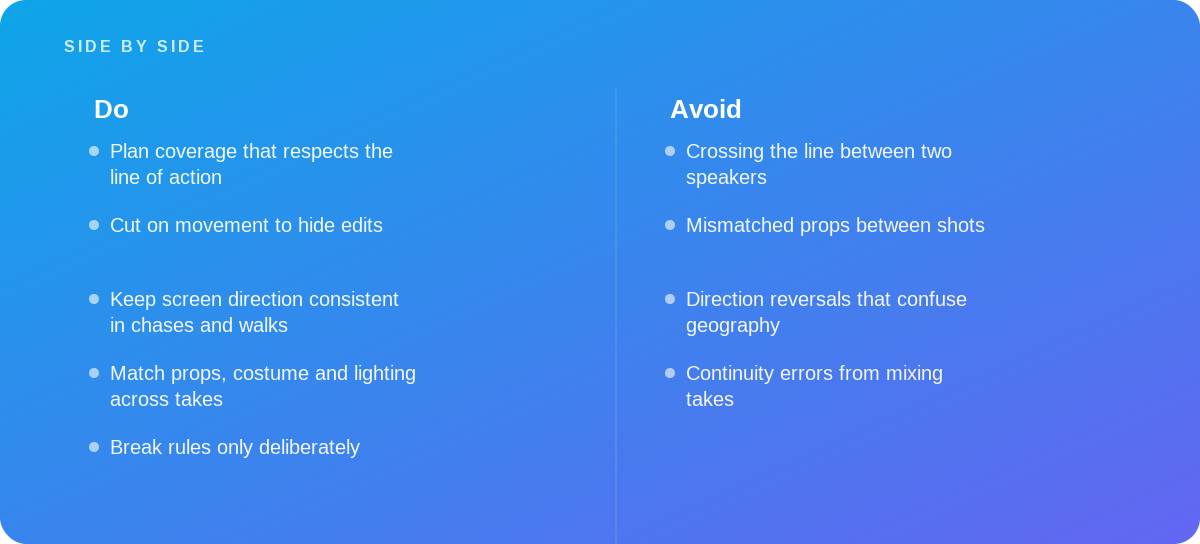
- Plan coverage that respects the line of action
- Cut on movement to hide edits
- Keep screen direction consistent in chases and walks
- Match props, costume and lighting across takes
- Break rules only deliberately
What should I avoid?
Avoid:
- Crossing the line between two speakers
- Mismatched props between shots
- Direction reversals that confuse geography
- Continuity errors from mixing takes
When should I get help?
Short answer Bring in help when footage has coverage problems that need creative solutions.
Where this comes from
- Adobe Help Center — Premiere Pro user guide
- Blackmagic Design — DaVinci Resolve editing guide
The figures and practices above come from the sources listed.
Working on something like this?
We take on Video Editing & Production work for teams who want it done once, properly. Tell us what you are building and we will tell you honestly whether we are the right studio for it. Start a project.
Where to go next
Spotted something wrong? Report an error on this page. We correct on the page and say what changed.











