Jump Cuts, Done Properly
Cuts between two shots of the same subject from nearly the same angle, which make time appear to jump and are common in vlogs and talking-head videos.
 MediaScaleUp Editorial Team

At a glance
- Definition consecutive shots of the same subject with little change in framing
- Common use vlogs, social video and fast-paced interviews
- Alternatives punch-ins, B-roll and cutaways
- Effect draws attention to the passage of time
Why it matters
Why it matters: Jump cuts tighten pacing by removing pauses, but used carelessly they feel jarring and unprofessional.
Best practice
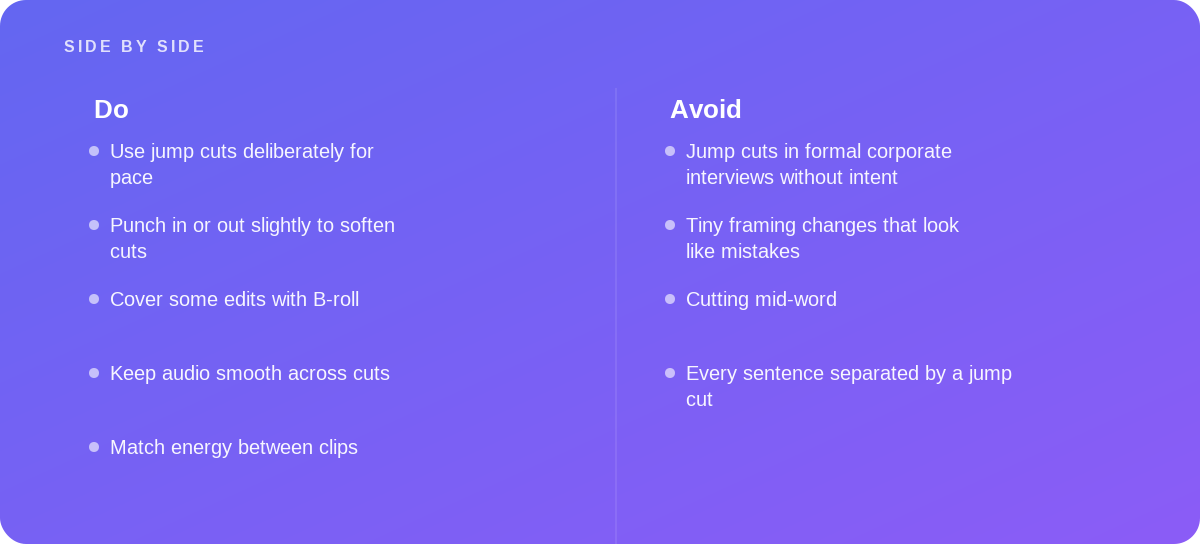
- Use jump cuts deliberately for pace
- Punch in or out slightly to soften cuts
- Cover some edits with B-roll
- Keep audio smooth across cuts
- Match energy between clips
Common pitfalls
Watch out for:
- Jump cuts in formal corporate interviews without intent
- Tiny framing changes that look like mistakes
- Cutting mid-word
- Every sentence separated by a jump cut
When to call in a specialist
Bottom line Bring in help when talking-head videos feel either slow or choppy.
Where this comes from
- Adobe Help Center — Premiere Pro user guide
- YouTube Help — YouTube Creator Academy resources
The figures and practices above come from the sources listed.
Working on something like this?
We take on Video Editing & Production work for teams who want it done once, properly. Tell us what you are building and we will tell you honestly whether we are the right studio for it. Start a project.
Where to go next
Spotted something wrong? Report an error on this page. We correct on the page and say what changed.













