A Practical Guide to 360-Degree Video
Video captured in every direction, viewed by panning on a screen or in a headset.
 Tomas Lindqvist

What is at stake
It suits tours and events, but it demands high resolution, careful stitching and different storytelling.
The playbook
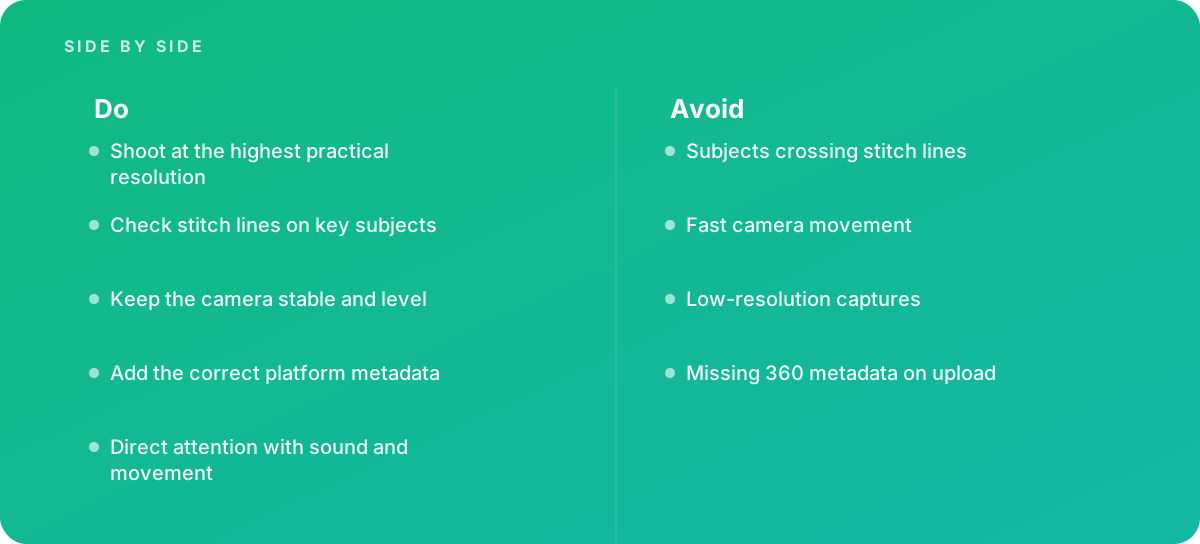
- Shoot at the highest practical resolution
- Check stitch lines on key subjects
- Keep the camera stable and level
- Add the correct platform metadata
- Direct attention with sound and movement
Where it goes wrong
Avoid:
- Subjects crossing stitch lines
- Fast camera movement
- Low-resolution captures
- Missing 360 metadata on upload
The numbers behind it
| Measure | Figure |
|---|---|
| Equirectangular format | 360 video is usually stored as a flattened sphere |
| Stitching | multiple lenses are combined into one image |
| Resolution | only part of the frame is visible at once, so resolution needs are high |
| Metadata | platforms need metadata to play video as 360 |
Getting outside help
When to hand it over: Bring in help when producing immersive tours or events.
Where this comes from
- YouTube Help — Upload 360-degree videos
- Blackmagic Design — DaVinci Resolve Reference Manual
The figures and practices above come from the sources listed.
Working on something like this?
We take on Video Editing & Production work for teams who want it done once, properly. Tell us what you are building and we will tell you honestly whether we are the right studio for it. Start a project.
Where to go next
Spotted something wrong? Report an error on this page. We correct on the page and say what changed.