How to Get Interactive and Shoppable Video Right
Video with clickable elements that let viewers buy products, choose paths or open more information.
 MediaScaleUp Editorial Team

At a glance
- Platform support interactive features vary by platform and player
- Accessibility clickable overlays need keyboard and screen reader support
- Fallbacks plain video must still work if interactivity fails
- Measurement interaction data shows what viewers engage with
Why it matters
Why it matters: Interactivity can shorten the path from interest to purchase, but it depends on platform support and careful accessibility work.
Best practice
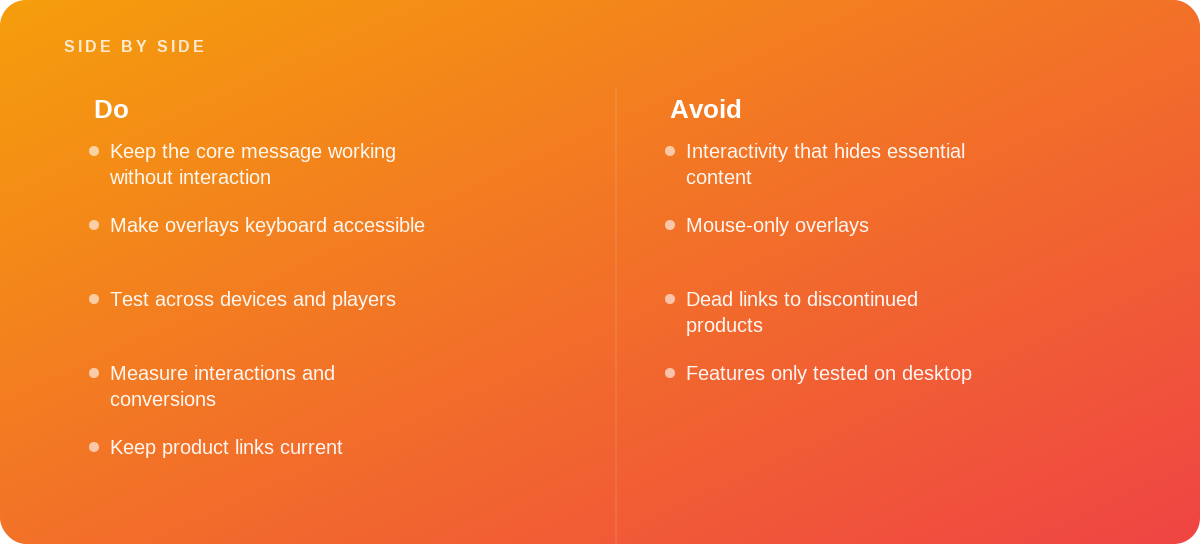
- Keep the core message working without interaction
- Make overlays keyboard accessible
- Test across devices and players
- Measure interactions and conversions
- Keep product links current
Common pitfalls
Watch out for:
- Interactivity that hides essential content
- Mouse-only overlays
- Dead links to discontinued products
- Features only tested on desktop
When to call in a specialist
Bottom line Bring in help when video should drive direct sales.
Where this comes from
- W3C Web Accessibility Initiative — Making Audio and Video Media Accessible
- YouTube Help — Advertising on YouTube
The figures and practices above come from the sources listed.
Working on something like this?
We take on Video Editing & Production work for teams who want it done once, properly. Tell us what you are building and we will tell you honestly whether we are the right studio for it. Start a project.
Where to go next
Spotted something wrong? Report an error on this page. We correct on the page and say what changed.












