Video Scopes: The Decisions That Matter
Measurement displays used in color correction, such as the waveform, vectorscope, RGB parade and histogram, that show brightness and color objectively.
 MediaScaleUp Editorial Team

Why does it matter?
Monitors and eyes can mislead, while scopes show exactly where levels and colors sit, which is essential for consistent, deliverable video.
What are the numbers?
- Waveform shows brightness levels across the frame
- Vectorscope shows hue and saturation
- RGB parade shows red, green and blue channels side by side
- Skin tone line the vectorscope's indicator where skin tones typically fall
What should I do?
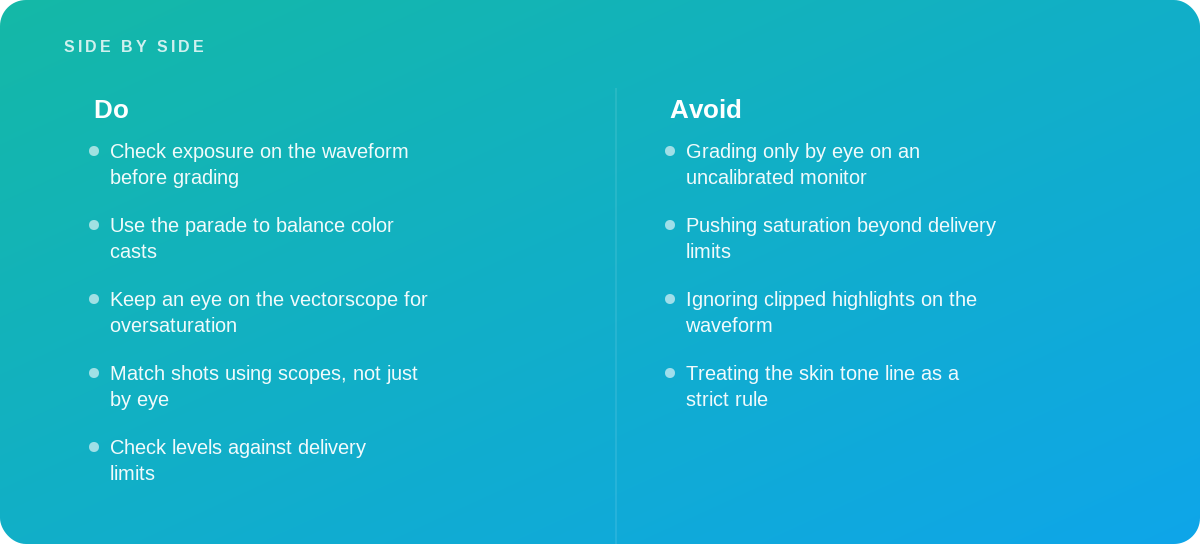
- Check exposure on the waveform before grading
- Use the parade to balance color casts
- Keep an eye on the vectorscope for oversaturation
- Match shots using scopes, not just by eye
- Check levels against delivery limits
What should I avoid?
Avoid:
- Grading only by eye on an uncalibrated monitor
- Pushing saturation beyond delivery limits
- Ignoring clipped highlights on the waveform
- Treating the skin tone line as a strict rule
When should I get help?
Short answer Bring in help when footage from several cameras will not match, or when deliveries fail technical checks.
Where this comes from
- Blackmagic Design — DaVinci Resolve reference manual
- Adobe Help Center — Lumetri Scopes
The figures and practices above come from the sources listed.
Working on something like this?
We take on Video Editing & Production work for teams who want it done once, properly. Tell us what you are building and we will tell you honestly whether we are the right studio for it. Start a project.
Where to go next
Spotted something wrong? Report an error on this page. We correct on the page and say what changed.













