Video Bit Depth: The Decisions That Matter
The number of values used for each color channel in video, such as 8-bit and 10-bit.
 Tomas Lindqvist

Where most projects go wrong
The usual mistakes:
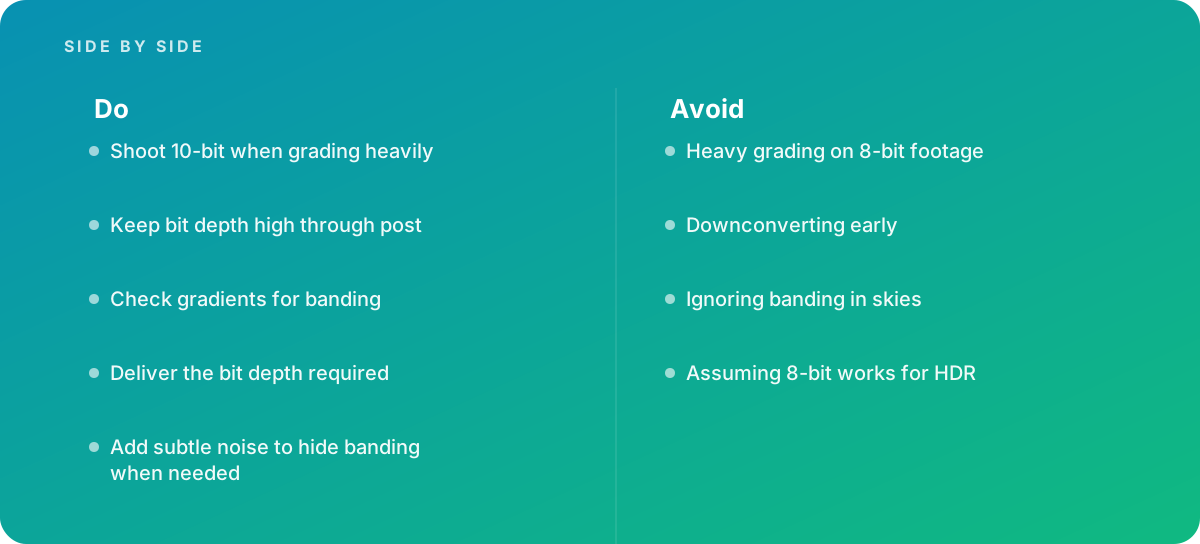
- Heavy grading on 8-bit footage
- Downconverting early
- Ignoring banding in skies
- Assuming 8-bit works for HDR
What good looks like instead
- Shoot 10-bit when grading heavily
- Keep bit depth high through post
- Check gradients for banding
- Deliver the bit depth required
- Add subtle noise to hide banding when needed
Why it matters
Higher bit depth reduces banding and gives more room in grading, and HDR delivery requires it.
The specs that matter
| Measure | Figure |
|---|---|
| 8-bit | 256 levels per channel |
| 10-bit | 1,024 levels per channel |
| HDR | HDR formats use at least 10-bit |
| Banding | low bit depth shows steps in gradients |
Knowing when to hand it over
Tip: Bring in help when footage shows banding or HDR is required.
Where this comes from
- International Telecommunication Union — Recommendation ITU-R BT.2100
- Blackmagic Design — DaVinci Resolve Reference Manual
The figures and practices above come from the sources listed.
Working on something like this?
We take on Video Editing & Production work for teams who want it done once, properly. Tell us what you are building and we will tell you honestly whether we are the right studio for it. Start a project.
Where to go next
Spotted something wrong? Report an error on this page. We correct on the page and say what changed.