Sticky Headers and Scroll Behavior: The Decisions That Matter
Headers, toolbars and banners that stay fixed while the page scrolls, and their effect on usability and accessibility.
 Priya Raghunathan

At a glance
- Focus not obscured WCAG 2.2 requires focused elements not be entirely hidden
- Anchors scroll-margin can stop headings hiding under sticky headers
- Screen space sticky bars reduce visible content on mobile
- Stacking multiple sticky elements compound the problem
Why it matters
Why it matters: Sticky elements can cover focused fields and anchor targets, and they take space from small screens.
Best practice
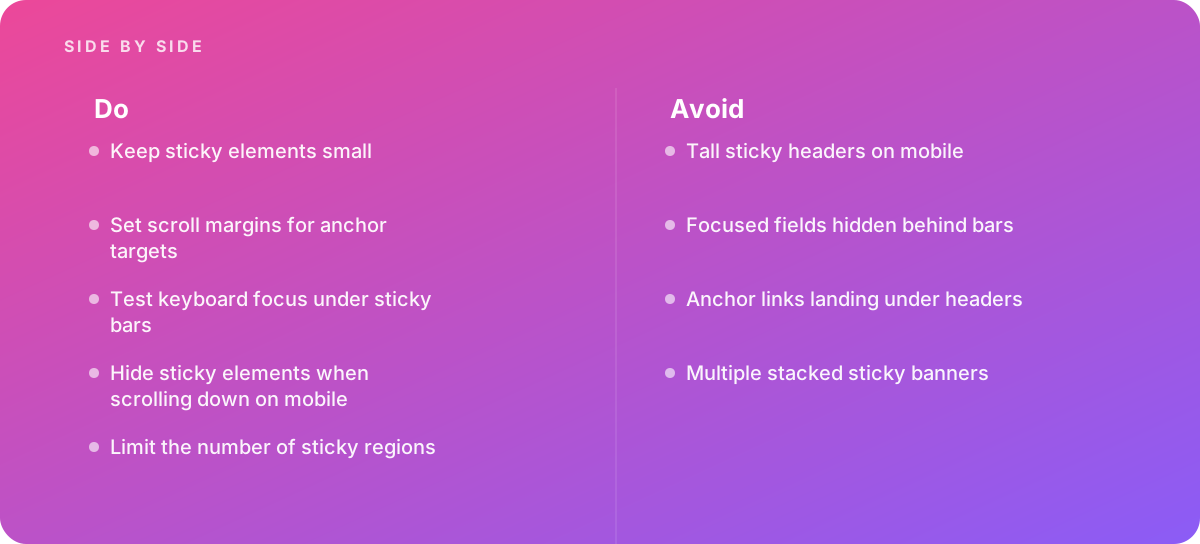
- Keep sticky elements small
- Set scroll margins for anchor targets
- Test keyboard focus under sticky bars
- Hide sticky elements when scrolling down on mobile
- Limit the number of sticky regions
Common pitfalls
Watch out for:
- Tall sticky headers on mobile
- Focused fields hidden behind bars
- Anchor links landing under headers
- Multiple stacked sticky banners
When to call in a specialist
Bottom line Bring in help when sticky interfaces cause accessibility issues.
Where this comes from
- W3C Web Accessibility Initiative — Understanding Success Criterion 2.4.11 Focus Not Obscured (Minimum)
- MDN Web Docs — scroll-margin-top
The figures and practices above come from the sources listed.
Working on something like this?
We take on UI & UX Design work for teams who want it done once, properly. Tell us what you are building and we will tell you honestly whether we are the right studio for it. Start a project.
Where to go next
Spotted something wrong? Report an error on this page. We correct on the page and say what changed.