Drag-and-Drop Interactions: The Decisions That Matter
Interfaces where people move items by dragging, such as reordering lists or uploading files.
 MediaScaleUp Editorial Team

What is at stake
Dragging excludes people who cannot perform precise pointer movements, so alternatives are required.
The playbook
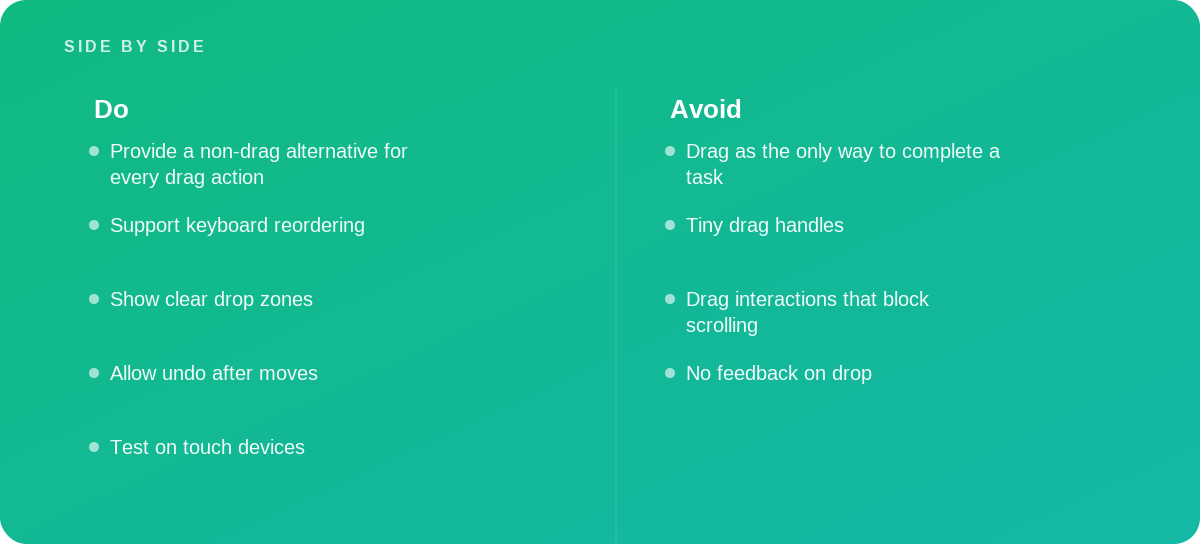
- Provide a non-drag alternative for every drag action
- Support keyboard reordering
- Show clear drop zones
- Allow undo after moves
- Test on touch devices
Where it goes wrong
Avoid:
- Drag as the only way to complete a task
- Tiny drag handles
- Drag interactions that block scrolling
- No feedback on drop
The numbers behind it
| Measure | Figure |
|---|---|
| Dragging Movements | WCAG 2.2 requires a single-pointer alternative to dragging |
| Alternatives | buttons, menus or keyboard controls can replace dragging |
| Feedback | drop targets need clear visual indication |
| Touch | drag gestures can conflict with scrolling |
Getting outside help
When to hand it over: Bring in help when editors or dashboards rely on dragging.
Where this comes from
- W3C Web Accessibility Initiative — Understanding Success Criterion 2.5.7 Dragging Movements
- MDN Web Docs — HTML Drag and Drop API
The figures and practices above come from the sources listed.
Working on something like this?
We take on UI & UX Design work for teams who want it done once, properly. Tell us what you are building and we will tell you honestly whether we are the right studio for it. Start a project.
Where to go next
Spotted something wrong? Report an error on this page. We correct on the page and say what changed.