Sign-In and Authentication Design: What Actually Works
The screens and rules for creating an account, signing in and recovering access, including passwords, passkeys, one-time codes and multi-factor authentication.
 MediaScaleUp Editorial Team

At a glance
- WCAG 3.3.8 Accessible Authentication Minimum, AA no memory or puzzle test unless an alternative or assistance such as paste or a password manager is supported
- NIST SP 800-63B, single-factor passwords at least 15 characters
- NIST SP 800-63B, composition rules verifiers should not require mixes of character types
- NIST SP 800-63B, forced changes no periodic password changes without evidence of compromise
- Passkeys sign-in credentials built on the W3C Web Authentication standard
Why it matters
Why it matters: Sign-in is where both security and usability fail most visibly, and current NIST and WCAG guidance has moved away from rules that make it harder without making it safer.
Best practice
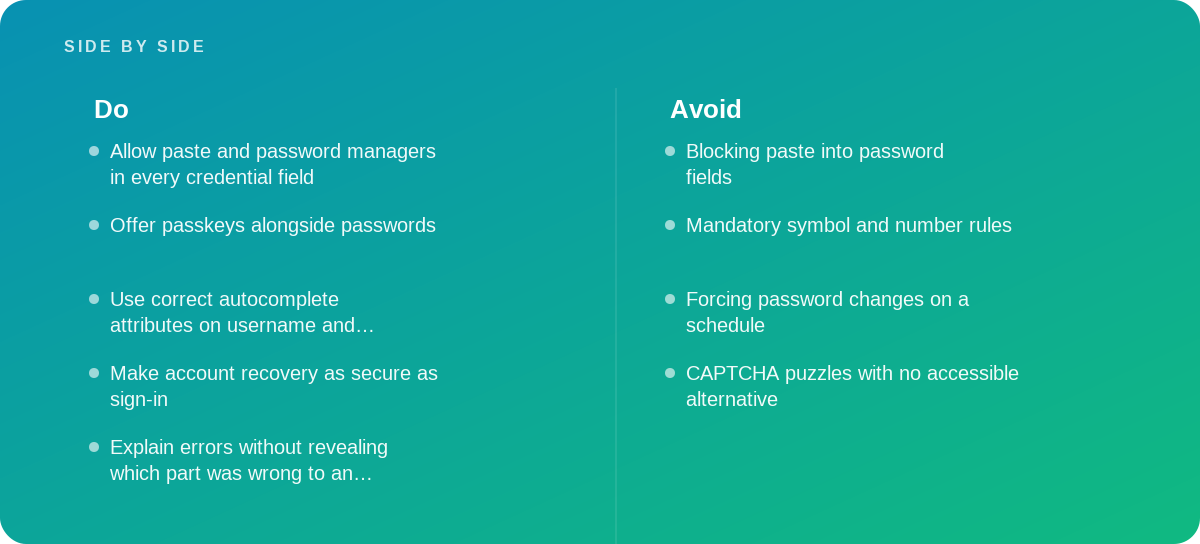
- Allow paste and password managers in every credential field
- Offer passkeys alongside passwords
- Use correct autocomplete attributes on username and password fields
- Make account recovery as secure as sign-in
- Explain errors without revealing which part was wrong to an attacker
Common pitfalls
Watch out for:
- Blocking paste into password fields
- Mandatory symbol and number rules
- Forcing password changes on a schedule
- CAPTCHA puzzles with no accessible alternative
When to call in a specialist
Bottom line Bring in help when sign-in failures drive support tickets, when adding passkeys or multi-factor authentication, or when a security review questions your password rules.
Where this comes from
- W3C Web Accessibility Initiative — Understanding SC 3.3.8 Accessible Authentication (Minimum)
- National Institute of Standards and Technology — SP 800-63B Digital Identity Guidelines
- W3C — Web Authentication specification
The figures and practices above come from the sources listed.
Working on something like this?
We take on UI & UX Design work for teams who want it done once, properly. Tell us what you are building and we will tell you honestly whether we are the right studio for it. Start a project.
Where to go next
Spotted something wrong? Report an error on this page. We correct on the page and say what changed.