Legacy System Integration: The Decisions That Matter
Connecting modern applications to older systems that cannot be replaced yet.
 MediaScaleUp Editorial Team

At a glance
- Interfaces legacy systems may offer files, databases or old protocols
- Rate limits older systems can be overwhelmed easily
- Data formats legacy encodings and date formats cause errors
- Change windows legacy systems often have restricted maintenance windows
Why it matters
Why it matters: Most organizations run legacy systems, and integration quality decides whether new projects succeed.
Best practice
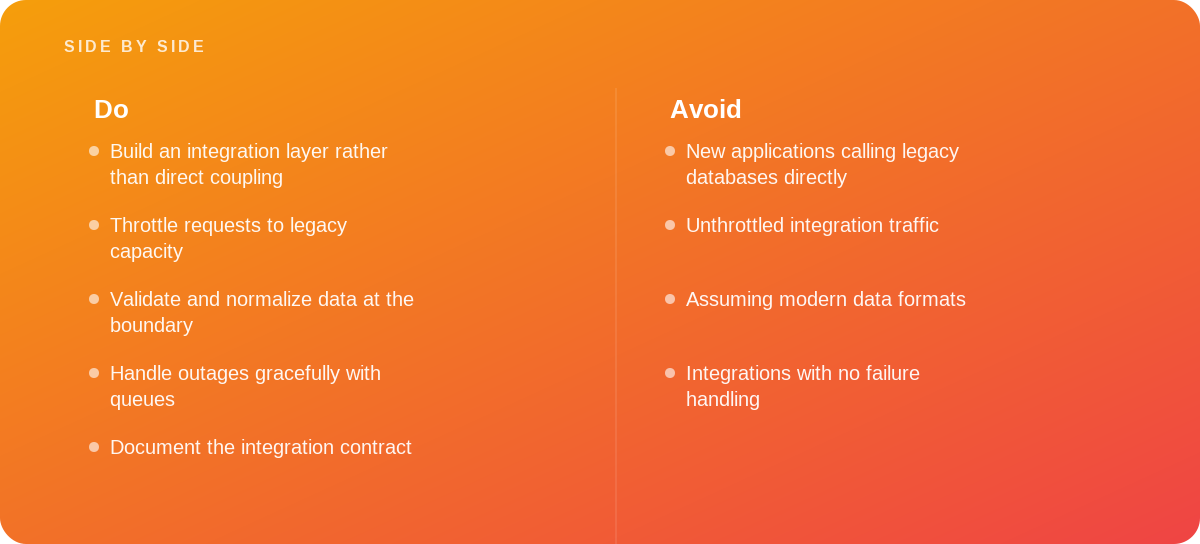
- Build an integration layer rather than direct coupling
- Throttle requests to legacy capacity
- Validate and normalize data at the boundary
- Handle outages gracefully with queues
- Document the integration contract
Common pitfalls
Watch out for:
- New applications calling legacy databases directly
- Unthrottled integration traffic
- Assuming modern data formats
- Integrations with no failure handling
When to call in a specialist
Bottom line Bring in help when new systems must coexist with old ones.
Where this comes from
- Microsoft Learn — Integration architecture
- OWASP — Access Control Cheat Sheet
The figures and practices above come from the sources listed.
Working on something like this?
We take on Web Design & Development work for teams who want it done once, properly. Tell us what you are building and we will tell you honestly whether we are the right studio for it. Start a project.
Where to go next
Spotted something wrong? Report an error on this page. We correct on the page and say what changed.








