How to Get Interface Inventories Right
A catalog of every component, style and pattern in use across a product or site.
 Priya Raghunathan

At a glance
- Screenshots collecting real examples makes duplication visible
- Counts the number of button or heading styles reveals drift
- Prioritization the most duplicated components are the best place to start
- Repeatability inventories should be repeated periodically
Why it matters
Why it matters: Inventories show the real scale of inconsistency, which is usually worse than teams expect.
Best practice
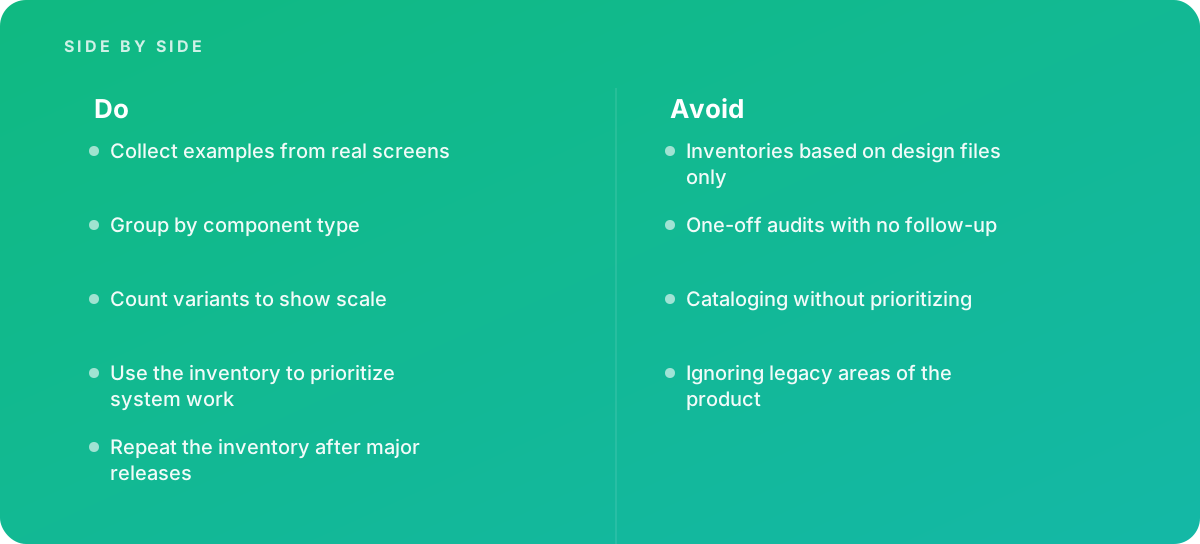
- Collect examples from real screens
- Group by component type
- Count variants to show scale
- Use the inventory to prioritize system work
- Repeat the inventory after major releases
Common pitfalls
Watch out for:
- Inventories based on design files only
- One-off audits with no follow-up
- Cataloging without prioritizing
- Ignoring legacy areas of the product
When to call in a specialist
Bottom line Bring in help before starting a design system.
Where this comes from
- Nielsen Norman Group — Design systems
- U.S. Web Design System — Components
The figures and practices above come from the sources listed.
Working on something like this?
We take on UI & UX Design work for teams who want it done once, properly. Tell us what you are building and we will tell you honestly whether we are the right studio for it. Start a project.
Where to go next
Spotted something wrong? Report an error on this page. We correct on the page and say what changed.