A Practical Guide to Right-to-Left Interface Design
Adapting interfaces for languages written right to left, such as Arabic and Hebrew.
 MediaScaleUp Editorial Team

At a glance
- Mirroring layout, navigation and progress usually mirror
- Exceptions some icons, such as media controls, do not mirror
- Logical properties CSS logical properties adapt to text direction
- Numbers numerals and dates follow their own rules
Why it matters
Why it matters: Right-to-left layouts mirror most of the interface, and half-mirrored designs feel broken to users.
Best practice
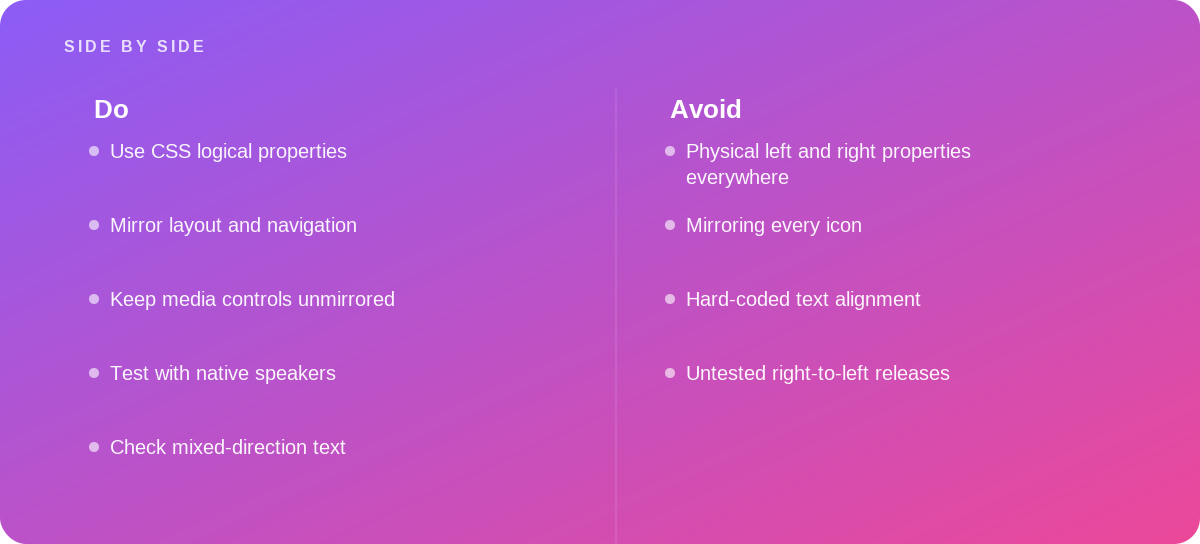
- Use CSS logical properties
- Mirror layout and navigation
- Keep media controls unmirrored
- Test with native speakers
- Check mixed-direction text
Common pitfalls
Watch out for:
- Physical left and right properties everywhere
- Mirroring every icon
- Hard-coded text alignment
- Untested right-to-left releases
When to call in a specialist
Bottom line Bring in help when launching in right-to-left markets.
Where this comes from
- W3C — Internationalization techniques: authoring HTML and CSS
- MDN Web Docs — CSS logical properties and values
The figures and practices above come from the sources listed.
Working on something like this?
We take on UI & UX Design work for teams who want it done once, properly. Tell us what you are building and we will tell you honestly whether we are the right studio for it. Start a project.
Where to go next
Spotted something wrong? Report an error on this page. We correct on the page and say what changed.