Voice User Interfaces: What Actually Works
Interfaces controlled by speech, such as smart speaker skills, voice assistants and voice commands within apps.
 MediaScaleUp Editorial Team

What is at stake
Voice removes the visual interface, so designs must work through conversation alone and handle recognition errors gracefully.
The playbook
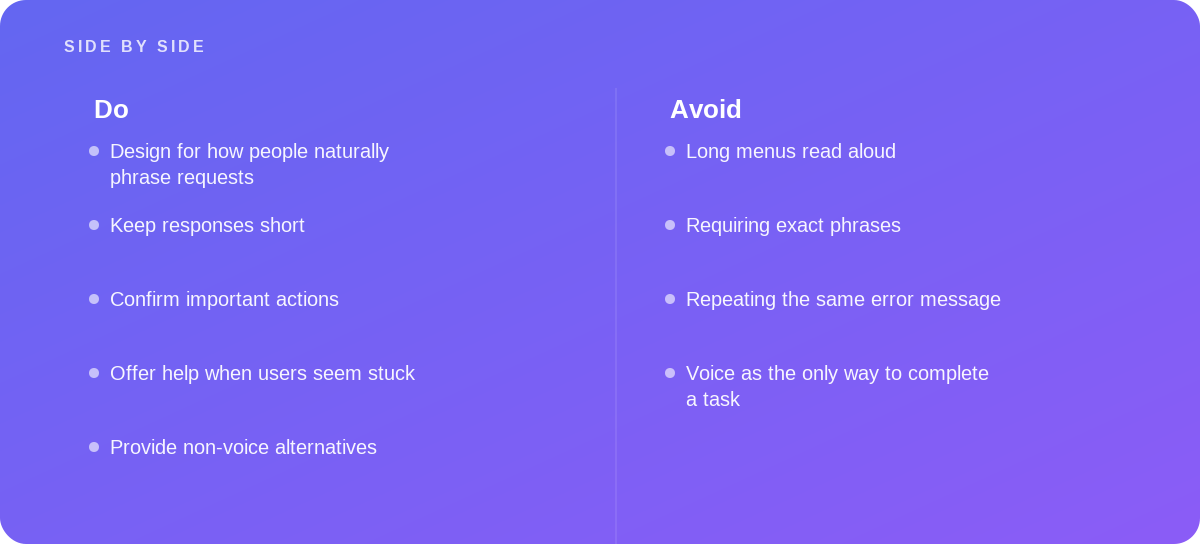
- Design for how people naturally phrase requests
- Keep responses short
- Confirm important actions
- Offer help when users seem stuck
- Provide non-voice alternatives
Where it goes wrong
Avoid:
- Long menus read aloud
- Requiring exact phrases
- Repeating the same error message
- Voice as the only way to complete a task
The numbers behind it
| Measure | Figure |
|---|---|
| No visual menu | users must know or be told what they can say |
| Confirmation | important actions need spoken confirmation |
| Error handling | recognition errors need graceful recovery |
| Accessibility | voice helps some users and excludes others, such as people with speech disabilities |
Getting outside help
When to hand it over: Bring in help when designing voice skills or adding voice control to an app.
Where this comes from
- Nielsen Norman Group — Intelligent assistants have poor usability
- Apple Human Interface Guidelines — Siri
The figures and practices above come from the sources listed.
Working on something like this?
We take on UI & UX Design work for teams who want it done once, properly. Tell us what you are building and we will tell you honestly whether we are the right studio for it. Start a project.
Where to go next
Spotted something wrong? Report an error on this page. We correct on the page and say what changed.