Designing AI Features: What Actually Works
Designing product features powered by machine learning or generative AI, including how to set expectations, show uncertainty and let users correct mistakes.
 MediaScaleUp Editorial Team

At a glance
- Microsoft guidelines 18 guidelines for human-AI interaction
- Expectation setting make clear what the system can do and how well
- Correction support efficient correction and dismissal
- Apple guidance Apple's Human Interface Guidelines include guidance on machine learning features
Why it matters
Why it matters: AI outputs can be wrong in ways users do not expect, so interfaces need to help people judge and recover from errors.
Best practice
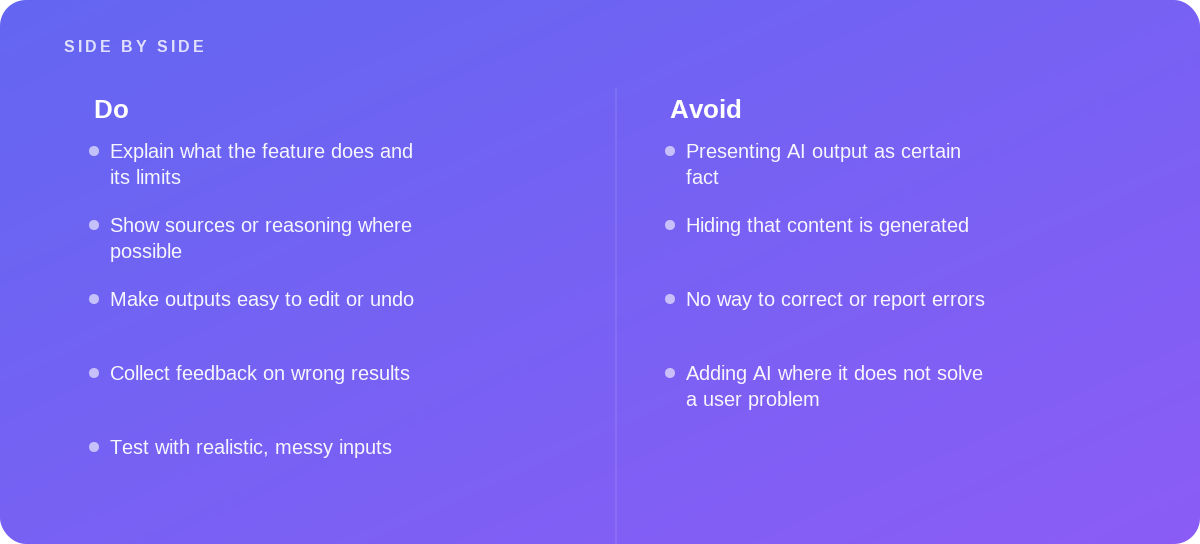
- Explain what the feature does and its limits
- Show sources or reasoning where possible
- Make outputs easy to edit or undo
- Collect feedback on wrong results
- Test with realistic, messy inputs
Common pitfalls
Watch out for:
- Presenting AI output as certain fact
- Hiding that content is generated
- No way to correct or report errors
- Adding AI where it does not solve a user problem
When to call in a specialist
Bottom line Bring in help when adding generative AI to a product, or when users distrust or misuse AI features.
Where this comes from
- Microsoft Learn — Guidelines for human-AI interaction
- Apple Human Interface Guidelines — Machine learning
The figures and practices above come from the sources listed.
Working on something like this?
We take on UI & UX Design work for teams who want it done once, properly. Tell us what you are building and we will tell you honestly whether we are the right studio for it. Start a project.
Where to go next
Spotted something wrong? Report an error on this page. We correct on the page and say what changed.