Design QA Before Release: The Decisions That Matter
The review that checks a built interface against the design, across states, screen sizes and assistive technology.
 MediaScaleUp Editorial Team

What is at stake
Small implementation drift accumulates, and design QA catches it before customers do.
The playbook
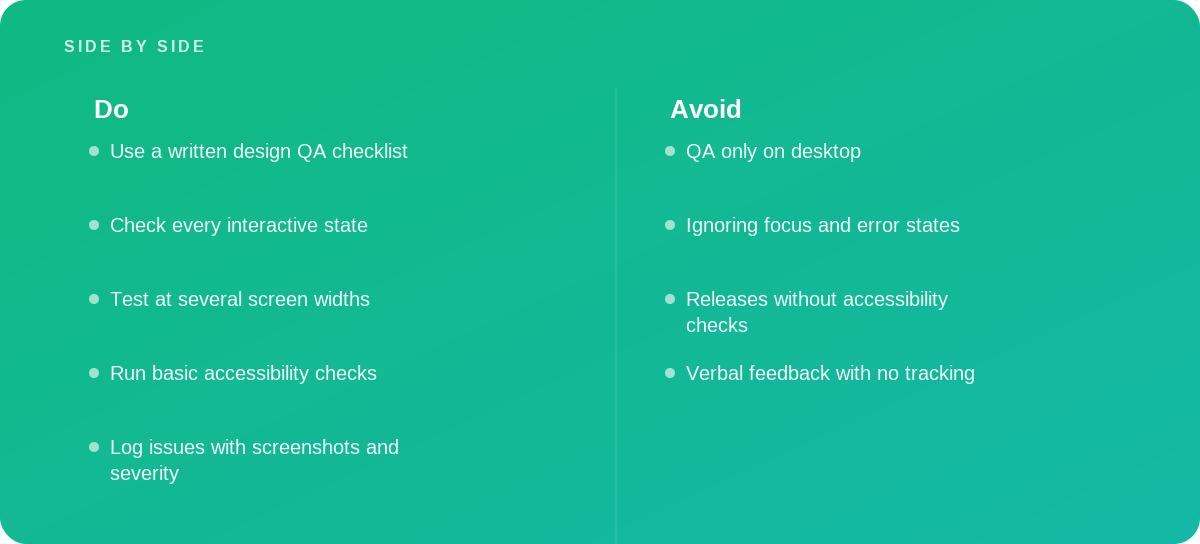
- Use a written design QA checklist
- Check every interactive state
- Test at several screen widths
- Run basic accessibility checks
- Log issues with screenshots and severity
Where it goes wrong
Avoid:
- QA only on desktop
- Ignoring focus and error states
- Releases without accessibility checks
- Verbal feedback with no tracking
The numbers behind it
| Measure | Figure |
|---|---|
| States | hover, focus, error, empty and loading states need checking |
| Screen sizes | layouts break at sizes nobody designed for |
| Accessibility | keyboard and screen reader checks belong in QA |
| Content | real content reveals overflow problems |
Getting outside help
When to hand it over: Bring in help when builds regularly drift from designs.
Where this comes from
- W3C Web Accessibility Initiative — Easy Checks
- GOV.UK Service Manual — Testing
The figures and practices above come from the sources listed.
Working on something like this?
We take on UI & UX Design work for teams who want it done once, properly. Tell us what you are building and we will tell you honestly whether we are the right studio for it. Start a project.
Where to go next
Spotted something wrong? Report an error on this page. We correct on the page and say what changed.