How to Get Finding Duplicate Images Right
Identifying duplicate and near-duplicate files in image libraries.
 Imogen Clarke

Why does it matter?
Duplicates waste storage, confuse teams about which file is current and appear repeatedly in catalogs.
What are the numbers?
- Exact duplicates can be found by file hash
- Near duplicates differ by crop, size or edit
- Versions not every similar file is a duplicate
- Storage duplicates multiply backup costs
What should I do?
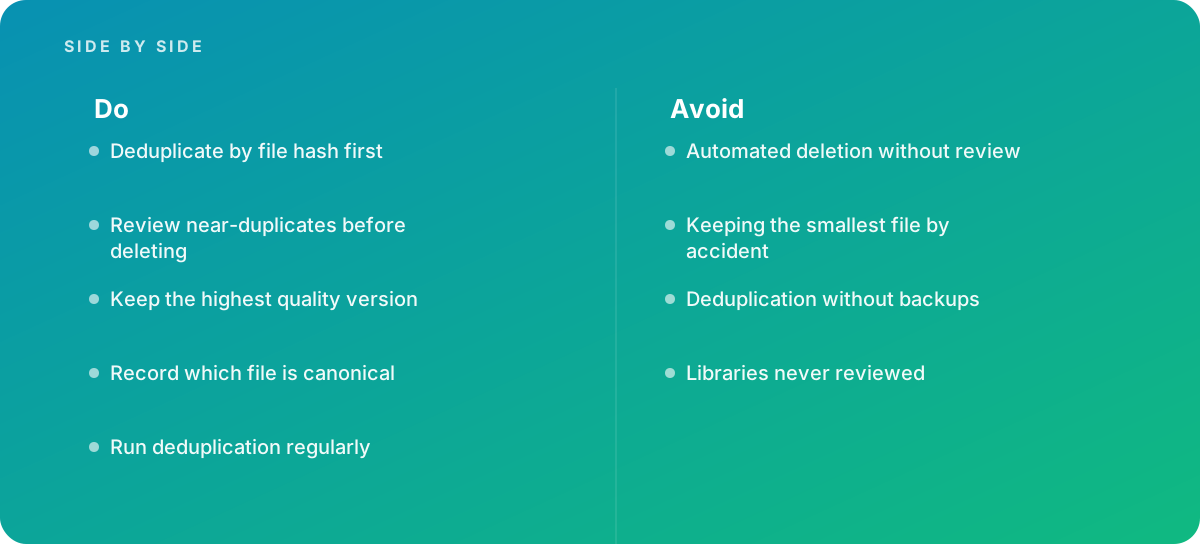
- Deduplicate by file hash first
- Review near-duplicates before deleting
- Keep the highest quality version
- Record which file is canonical
- Run deduplication regularly
What should I avoid?
Avoid:
- Automated deletion without review
- Keeping the smallest file by accident
- Deduplication without backups
- Libraries never reviewed
When should I get help?
Short answer Bring in help when image libraries sprawl.
Where this comes from
- National Institute of Standards and Technology — Secure Hash Standard
- IPTC — Photo Metadata Standard
The figures and practices above come from the sources listed.
Working on something like this?
We take on Image Editing & Retouching work for teams who want it done once, properly. Tell us what you are building and we will tell you honestly whether we are the right studio for it. Start a project.
Where to go next
Spotted something wrong? Report an error on this page. We correct on the page and say what changed.