How to Get Versioning Image Files Right
Keeping track of originals, working files and outputs as images move through editing.
 MediaScaleUp Editorial Team

At a glance
- Originals raw captures should never be overwritten
- Working files layered files hold the editing decisions
- Outputs exports are derived and reproducible
- Naming version numbers must be unambiguous
Why it matters
Why it matters: Without versioning, teams overwrite masters and lose the ability to produce a different crop or format later.
Best practice
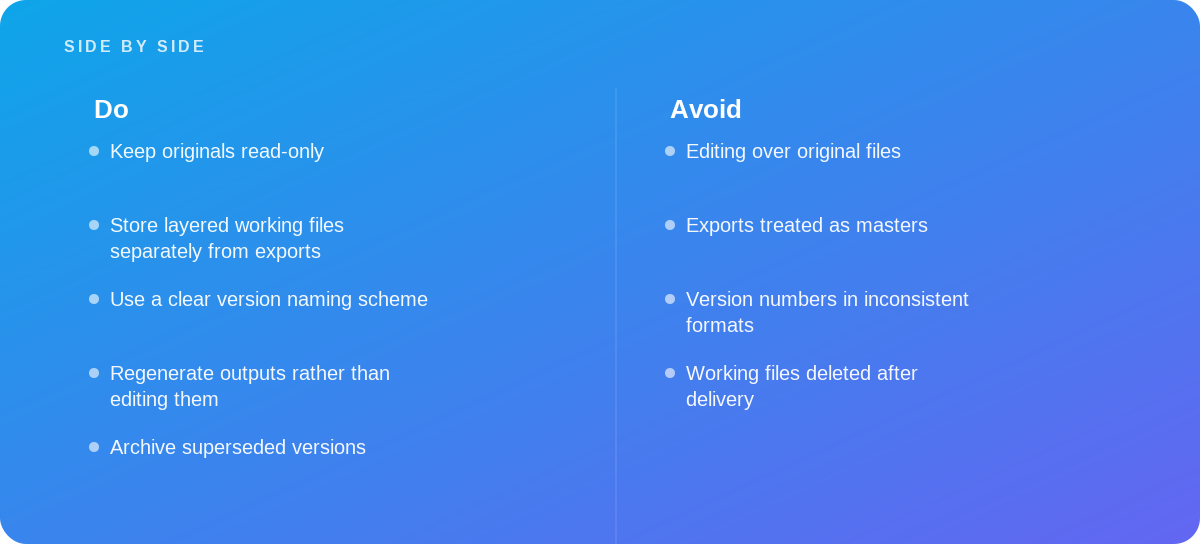
- Keep originals read-only
- Store layered working files separately from exports
- Use a clear version naming scheme
- Regenerate outputs rather than editing them
- Archive superseded versions
Common pitfalls
Watch out for:
- Editing over original files
- Exports treated as masters
- Version numbers in inconsistent formats
- Working files deleted after delivery
When to call in a specialist
Bottom line Bring in help when image libraries grow unmanageable.
Where this comes from
- IPTC — Photo Metadata Standard
- Adobe Help Center — Photoshop User Guide
The figures and practices above come from the sources listed.
Working on something like this?
We take on Image Editing & Retouching work for teams who want it done once, properly. Tell us what you are building and we will tell you honestly whether we are the right studio for it. Start a project.
Where to go next
Spotted something wrong? Report an error on this page. We correct on the page and say what changed.