Bulk Metadata Editing: The Decisions That Matter
Adding or correcting metadata such as copyright, captions and keywords across many images at once.
 MediaScaleUp Editorial Team

At a glance
- IPTC fields hold creator, copyright and description information
- Keywords drive search within asset libraries
- Controlled vocabulary keeps keywords consistent
- Preservation some exports strip metadata
Why it matters
Why it matters: Metadata added at scale makes libraries searchable and protects rights information.
Best practice
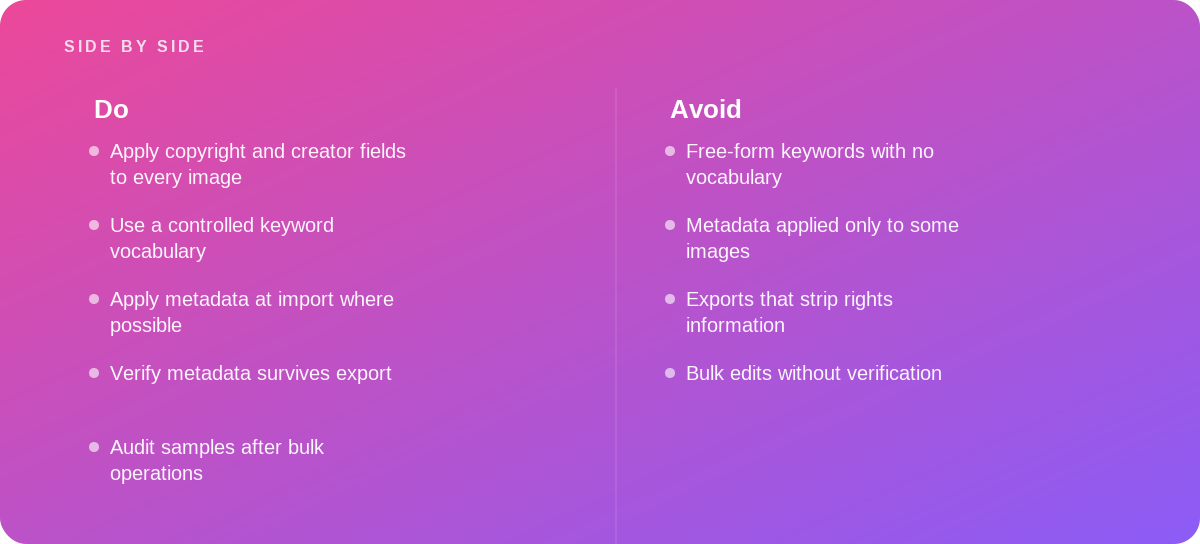
- Apply copyright and creator fields to every image
- Use a controlled keyword vocabulary
- Apply metadata at import where possible
- Verify metadata survives export
- Audit samples after bulk operations
Common pitfalls
Watch out for:
- Free-form keywords with no vocabulary
- Metadata applied only to some images
- Exports that strip rights information
- Bulk edits without verification
When to call in a specialist
Bottom line Bring in help when image libraries need to be searchable.
Where this comes from
- IPTC — Photo Metadata Standard
- Adobe Help Center — Lightroom Classic User Guide
The figures and practices above come from the sources listed.
Working on something like this?
We take on Image Editing & Retouching work for teams who want it done once, properly. Tell us what you are building and we will tell you honestly whether we are the right studio for it. Start a project.
Where to go next
Spotted something wrong? Report an error on this page. We correct on the page and say what changed.