How to Get Designing with Real Content Right
Using real text, product names, prices and data in designs instead of placeholder text.
 MediaScaleUp Editorial Team

What is at stake
Placeholder content hides problems such as long names, empty states and awkward wrapping until development.
The playbook
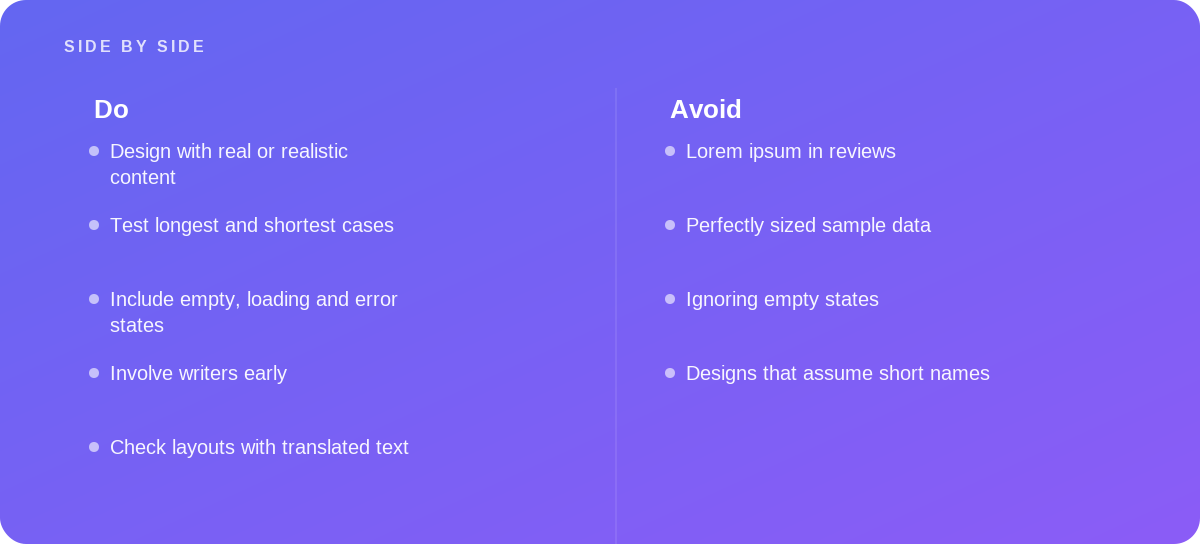
- Design with real or realistic content
- Test longest and shortest cases
- Include empty, loading and error states
- Involve writers early
- Check layouts with translated text
Where it goes wrong
Avoid:
- Lorem ipsum in reviews
- Perfectly sized sample data
- Ignoring empty states
- Designs that assume short names
The numbers behind it
| Measure | Figure |
|---|---|
| Placeholder text | hides length and tone problems |
| Edge cases | very long and very short content break layouts |
| Empty states | real data reveals when lists are empty |
| Localization | translated text is often longer |
Getting outside help
When to hand it over: Bring in help when layouts break once real data arrives.
Where this comes from
- GOV.UK Service Manual — Content design
- Nielsen Norman Group — Writing for the web
The figures and practices above come from the sources listed.
Working on something like this?
We take on UI & UX Design work for teams who want it done once, properly. Tell us what you are building and we will tell you honestly whether we are the right studio for it. Start a project.
Where to go next
Spotted something wrong? Report an error on this page. We correct on the page and say what changed.