Government Service UX, Done Properly
Designing public services online, where the audience is everyone and the stakes are entitlements and obligations.
 MediaScaleUp Editorial Team

Why does it matter?
Public services must work for people with the least support, not just the digitally confident.
What are the numbers?
- Universal audience public services cannot choose their users
- Accessibility public bodies have legal accessibility obligations
- Plain language federal guidance requires clear communication
- Assisted digital some people need non-digital routes
What should I do?
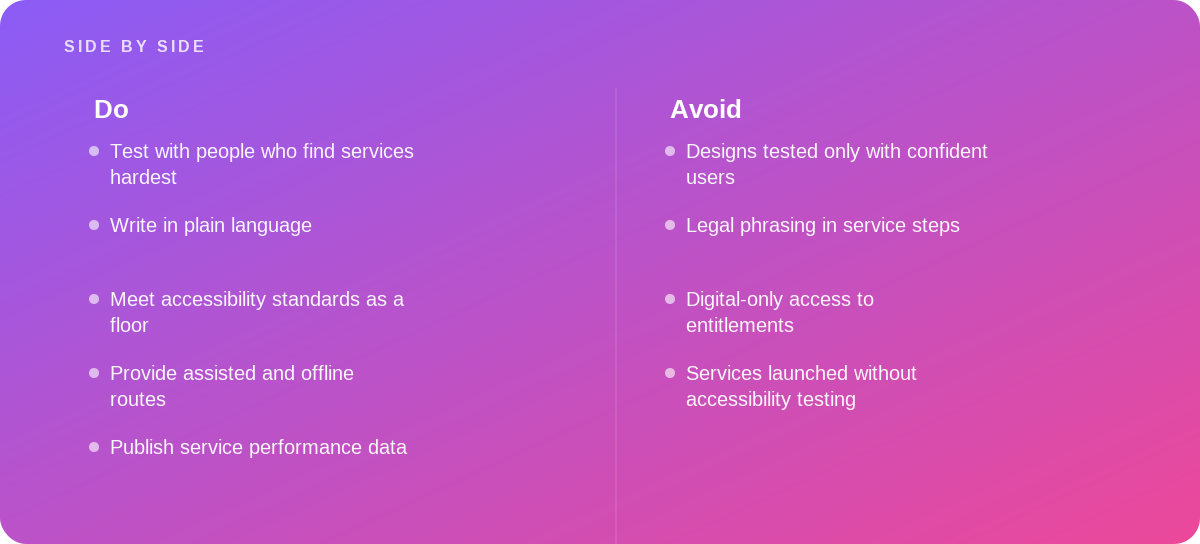
- Test with people who find services hardest
- Write in plain language
- Meet accessibility standards as a floor
- Provide assisted and offline routes
- Publish service performance data
What should I avoid?
Avoid:
- Designs tested only with confident users
- Legal phrasing in service steps
- Digital-only access to entitlements
- Services launched without accessibility testing
When should I get help?
Short answer Bring in help when public services move online.
Where this comes from
- GOV.UK Service Manual — Service design
- Section508.gov — Create accessible digital products
The figures and practices above come from the sources listed.
Working on something like this?
We take on UI & UX Design work for teams who want it done once, properly. Tell us what you are building and we will tell you honestly whether we are the right studio for it. Start a project.
Where to go next
Spotted something wrong? Report an error on this page. We correct on the page and say what changed.