Education Platform UX: What Actually Works
Interfaces used by students, teachers and parents for coursework, grades and communication.
 MediaScaleUp Editorial Team

At a glance
- Roles students, teachers, parents and administrators need different views
- Accessibility students include those with disabilities
- Devices many students use shared or low-end devices
- Privacy student data is protected
Why it matters
Why it matters: Education platforms serve very different user groups on shared data, and they are used under time pressure.
Best practice
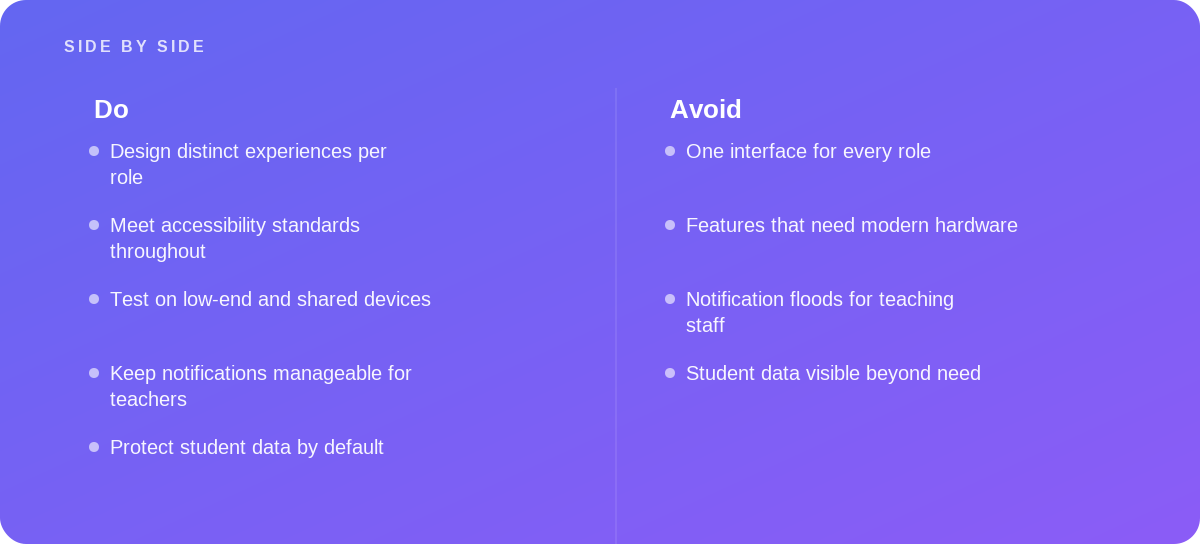
- Design distinct experiences per role
- Meet accessibility standards throughout
- Test on low-end and shared devices
- Keep notifications manageable for teachers
- Protect student data by default
Common pitfalls
Watch out for:
- One interface for every role
- Features that need modern hardware
- Notification floods for teaching staff
- Student data visible beyond need
When to call in a specialist
Bottom line Bring in help when schools adopt new platforms.
Where this comes from
- U.S. Department of Education — Student privacy
- W3C Web Accessibility Initiative — Mobile accessibility
The figures and practices above come from the sources listed.
Working on something like this?
We take on UI & UX Design work for teams who want it done once, properly. Tell us what you are building and we will tell you honestly whether we are the right studio for it. Start a project.
Where to go next
Spotted something wrong? Report an error on this page. We correct on the page and say what changed.