Content Migration: The Decisions That Matter
Moving content to a new platform or structure without losing it, breaking it, or losing its search value.
 MediaScaleUp Editorial Team

What is at stake
Migration is where content libraries are damaged, usually because the mapping was treated as a technical task rather than an editorial one.
The playbook
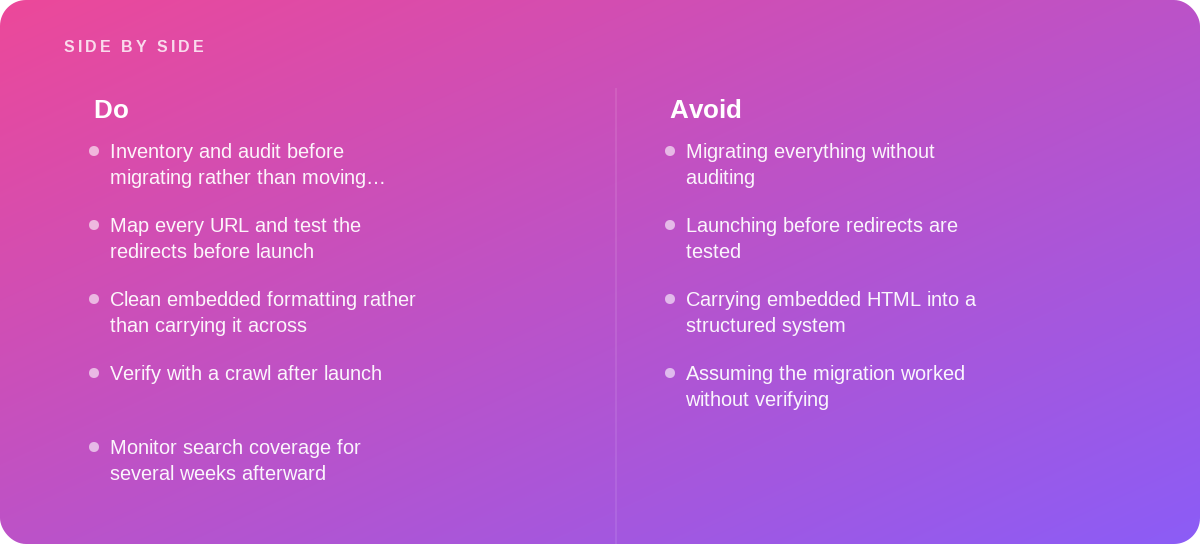
- Inventory and audit before migrating rather than moving everything
- Map every URL and test the redirects before launch
- Clean embedded formatting rather than carrying it across
- Verify with a crawl after launch
- Monitor search coverage for several weeks afterward
Where it goes wrong
Avoid:
- Migrating everything without auditing
- Launching before redirects are tested
- Carrying embedded HTML into a structured system
- Assuming the migration worked without verifying
The numbers behind it
| Measure | Figure |
|---|---|
| Requirement | a mapping from every old URL to a new one |
| Opportunity | migration is a natural point to audit and prune |
| Formatting | embedded HTML rarely survives a platform change cleanly |
| Redirects | required for every URL that had traffic or links |
| Verification | a post-migration crawl against the old inventory |
Getting outside help
When to hand it over: Bring in help before any platform migration, when a migration has already cost traffic, or when a large library needs auditing before moving.
Where this comes from
- Google Search Central — Site moves with URL changes
- GOV.UK Service Manual — Content migration
- Google Search Central — Redirects and Google Search
The figures and practices above come from the sources listed.
Working on something like this?
We take on Content Strategy work for teams who want it done once, properly. Tell us what you are building and we will tell you honestly whether we are the right studio for it. Start a project.
Where to go next
Spotted something wrong? Report an error on this page. We correct on the page and say what changed.