Collecting In-Product Feedback, Done Properly
Asking users for feedback inside the product, through prompts, ratings and short surveys.
 MediaScaleUp Editorial Team

Why does it matter?
In-product feedback captures reactions in context, but badly timed prompts interrupt work and skew results.
What are the numbers?
- Timing prompts during tasks reduce completion and annoy
- Sampling responses over-represent extremes
- Follow-up users expect a response when they report problems
- Accessibility feedback widgets must be keyboard accessible
What should I do?
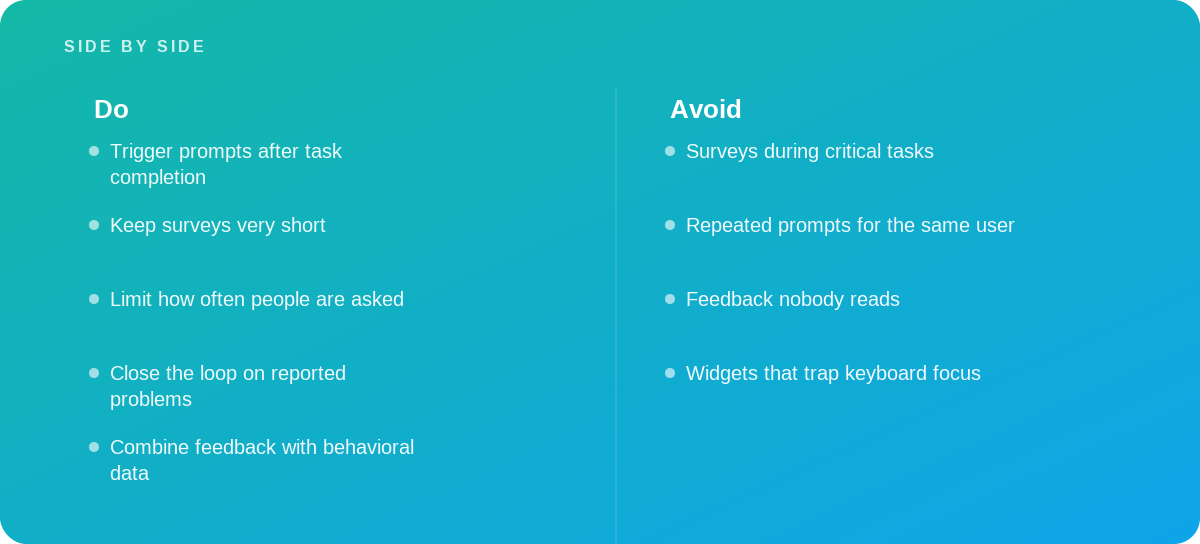
- Trigger prompts after task completion
- Keep surveys very short
- Limit how often people are asked
- Close the loop on reported problems
- Combine feedback with behavioral data
What should I avoid?
Avoid:
- Surveys during critical tasks
- Repeated prompts for the same user
- Feedback nobody reads
- Widgets that trap keyboard focus
When should I get help?
Short answer Bring in help when feedback volume is high but unusable.
Where this comes from
- Nielsen Norman Group — Usability heuristics
- Pew Research Center — Writing Survey Questions
The figures and practices above come from the sources listed.
Working on something like this?
We take on UI & UX Design work for teams who want it done once, properly. Tell us what you are building and we will tell you honestly whether we are the right studio for it. Start a project.
Where to go next
Spotted something wrong? Report an error on this page. We correct on the page and say what changed.